Operations | Monitoring | ITSM | DevOps | Cloud

How to Monitor Hybrid and Multi-Cloud Networks

By Des Nnochiri Most enterprises now use two or more cloud service providers, and 35% use up to five monitoring tools to keep tabs on hybrid cloud and multi-cloud environments. Even before organizations began shifting software and IT infrastructure to the cloud, a typical business would use four to ten tools just to monitor and troubleshoot their internal networks, according to analyst and consulting firm Enterprise Management Associates.
How to Fix a Broken Grafana Dashboard with the API

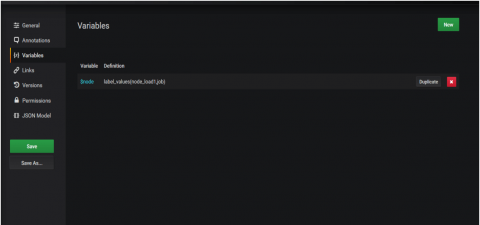
Recently, we ran into a problem where a customer’s dashboard broke to such an extent that it hung on loading. This is a really rare problem and in this case was an instance where the customer had created a variable that referenced itself. Once the dashboard is broken in this way, it is impossible to reach a screen allowing you to remove that variable. This post is not about how it was broken, but about how we resolved the error.

Opsgenie strengthens key partnerships for incident management at scale

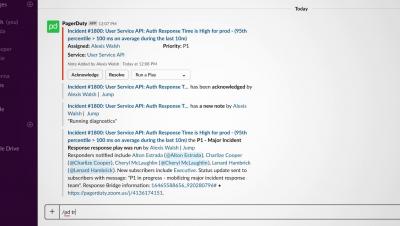
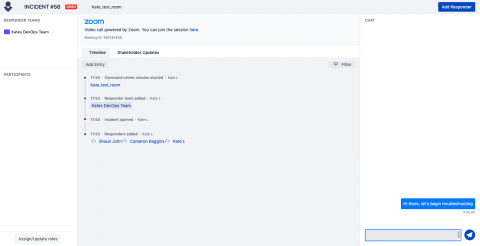
Opsgenie was built by real people who truly understood the pain of on-call, alert fatigue, and collaboration roadblocks. We empower our customers to resolve incidents faster by leveraging the tools they already use. As part of our mission to keep your always-on services up and running, we’ve worked with three key partners to strengthen the integrations we offer. It’s important that during an incident you can use the tools you’re accustomed to.

Data to Everything

Data can change the world, but only if you do something with it.That’s why Splunk, the Data-to-Everything Platform, helps you turn real-time data into doing. It lets you bring real-time data to every question, decision and action that affects your organization. So you can turn that data into successful outcomes. When you turn data into doing, data becomes the key to everything. Say hello to Splunk, the Data-to-Everything Platform.

What Is The True Impact of an IT Outage?

We live in a digital world, and it’s becoming more and more apparent every day. We rely on our smartphones to give us directions to where we need to go. We rely on email to share information with our colleagues, family and friends. We access our medical records through online portals. We even hail a rideshare through an app that connects us to drivers in locations across the globe.

Sentry and Rookout Integration: A Better way to Find and Debug Errors in Your Code

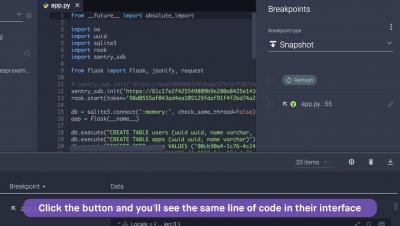
Rookout’s new Sentry integration empowers you to fix bugs faster than ever before. Sentry features allow you to identify the exact location of an error in your code. With the Rookout integration, you will find an additional prompt to debug the issue live, in production, in Rookout. With the click of a button you will see the same line of code from Sentry highlighted in Rookout’s IDE-like interface, without restarting, redeploying or adding more code. In Rookout you can set non breaking breakpoints and trigger the error again to receive the real time debug data.