Operations | Monitoring | ITSM | DevOps | Cloud

Infrastructure Monitoring With Amazon CloudWatch and OnPage Integration

Digitalization of business has transformed the world and its industries. Software that upkeep digital initiatives are no longer categorized as a support function. Rather, they are integral to every business process. Modern organizations require infrastructure monitoring tools to detect anomalies and alerting systems to automate remediation processes.

Scaling Puppeteer & Playwright on Checkly with Terraform

Managing large numbers of checks by hand quickly becomes cumbersome. Luckily, Checkly's REST API allows us to automate most of the repetitive steps. Building on that API, the Checkly Terraform Provider takes automation one step further, enabling users to specify their active monitoring setup as code. In this article, we will be building on top of John Arundel's great intro from a few months back and showing how to manage multiple checks using groups and shared code snippets.

Pandora FMS port monitoring

The ancient Roman Empire used to call what is now the Mediterranean Sea as Mare Nostrum (Nostrum Mare), stating what is now the port city of Barcelona as the entry point to Hispania (today the Iberian Peninsula) from the city of Miseno, located in the south of what is now Italy. For ancient Romans, port monitoring was crucial, and for us now too. “How?” you may wonder. Let’s see! Roman trireme model https://commons.wikimedia.org/wiki/File:Trireme_1.jpg.

New Citrix Application Delivery Controller Management Pack released

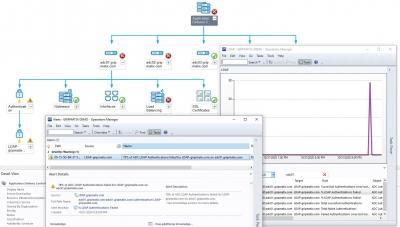
We are happy to announce that our new SCOM Management Pack for monitoring Citrix Application Delivery Controller (ADC) instances has been released today! Citrix ADC was previously called 'Netscaler'. With more than 150 monitors and rules, organizations that use Citrix ADC to provide remote access to their employees are now able to insure Remote Work Availability and Performance at all times with SCOM. The MP has become part of our Citrix Ready MetrixInsight for CVAD subscription offering.

How to automatically map your applications and easily fix server issues

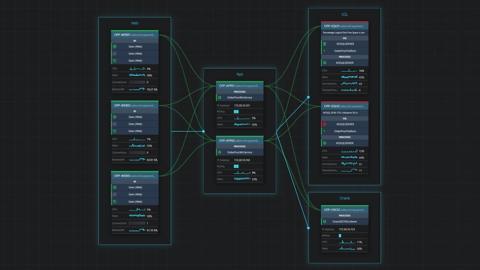
When troubleshooting a SQL Server issue, you don’t need all of those single-use dashboards in the SCOM console. You really only need one interactive diagram to help you identify the root cause in a few clicks – and SquaredUp’s Visual Application Discovery and Analysis (VADA) tool is just that. With this tool, you can also quickly and easily look at all of the servers that make up an application.

Top 10 Log Monitoring Reports You Must Have

Log monitoring can be a tedious process. When you have logs, you generate numerous log files in the log database that you need to track. Though a log file parser can help you search through multiple or large logs easily, it’s typically one of those processes which we only look at once it stops working. The windows system logs contain operating system logs as well as logs from applications such as Internet Information Services (IIS) and SQL server.

Netdata's dashboard: open by default and secure by design

Let’s talk through a scenario: You have a Linux-based VM running on DigitalOcean (aka a Droplet), and you install Netdata on it using our recommended kickstart script. As the installation process winds down, the Droplet starts up the Netdata Agent’s web server and serves the local Agent web dashboard on port 19999.

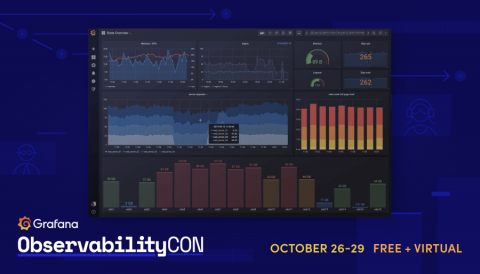
ObservabilityCON Day 2 recap: The latest Grafana Cloud tools for Prometheus to improve alerting, debugging, and scaling. Plus why continuous monitoring matters now

ObservabilityCON 2020 is live! This week Grafana Labs is bringing together the Grafana community for talks dedicated to observability. We hope you’re able to catch the great sessions we have planned. You can find the full schedule on the event page, and for additional information on viewing, participating in Q&As, and more, check out our quick guide to getting the most out of ObservabilityCON. Day 2 was dedicated to all things Prometheus — featuring new solutions and in-depth case studies.

Better Together: Microsoft Teams CQD and Exoprise Monitoring

Maintaining call quality with Microsoft Teams is a process, not a one time event. Network engineers and Microsoft Teams application owners need to be vigilant in preserving optimal call quality to ensure audio, video, and screen-sharing always remain satisfactory for end-users. And vigilance is just as important before the pandemic as it is during the pandemic no matter where your users are working from. In some ways its more important today when working from home.