Mailchimp
Not subscribed to OpsMatters Newsletter


Kubernetes monitoring can be difficult and complex. In order to determine the health of your project at every level, from the application to the operating system to the infrastructure, you need to monitor metrics in all the different layers and components — services, containers, pods, deployments, nodes, and clusters.
Have you ever wished that software development could be faster and focused on quality? Then DevOps may be the answer for your organization. DevOps is a set of practices that combine software development and IT operations to facilitate collaboration between teams. The industry is constantly evolving, and new tools are being introduced daily. With so many options, it can take time to determine which ones are worth your time and money.
Prior to the pandemic, remote work was rare. Although some software development companies hired remote workers, the trend was mostly scoffed at until the pandemic revolutionized the nature of work. A growing body of researchers have studied the prevalence of remote work among software developers.
Happy New Year! GitLens had a busy and productive year in 2022, with two major releases and several brand new feature additions. Let’s take a look back on the highlights of the past 12 months. But first things first…
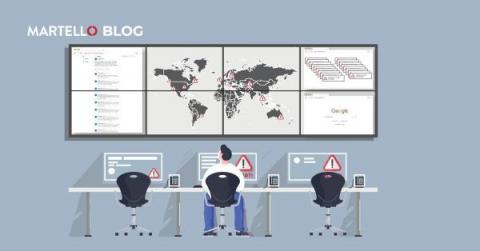
The Situation: some employees are reporting that Microsoft Teams is not working properly. You wonder, is there a Microsoft outage today? You jump onto Twitter to check the Microsoft 365 status account and see a trail of updates regarding a Microsoft outage – ugh there is a lengthy Twitter thread. You are in the midst of managing a Microsoft outage today.
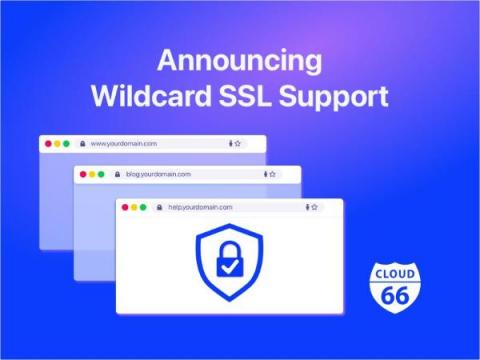
Hey everyone, We've got some exciting news to share - wildcard SSL certificates are now available on Cloud 66! If you're not familiar with wildcard SSL certificates, they allow you to secure multiple subdomains under a single certificate. Our options for adding an SSL certificate to your application are now updated to include the following: To set up a Wildcard certificate on Cloud 66, just open your app on your Dashboard and click Network, then SSL Certificate, and then "Add SSL".