Imagine driving on the freeway in a (partially) self-driving car like a Tesla. While you drive the car, you come across things you would expect like trees, lampposts and other cars but also things that don't belong there like trash floating around. Meanwhile, radars and sensors in the car are working hard to make sure you don't crash because of these things. If you see the freeway as your fast-changing IT environment, then all the things that don't belong there are anomalies.
The OpsRamp Monitor: OpsRamp’s top weekly review of interesting developments and emerging trends in IT operations. Subscribe to our blog for the latest and greatest in monitoring, DevOps, AIOps and cloud computing and stay on top of everything Ops.
As new technologies emerge, end-to-end application stacks continue to grow, and connected devices become more omnipresent in everyday lives, our society will only become more intrinsically connected across multiple touchpoints. It’s even estimated that in the US alone, there will be roughly 200 billion IoT devices by the end of 2020.
Splunk adds and updates features and functions to Splunk Enterprise regularly to keep pace with innovation and reduce risk. In fact, Splunk releases these updates on the Splunk Cloud platform continually. For on-prem customers, Splunk releases two levels of software updates to Splunk Enterprise. On-prem customers benefit from the continual updates to the Cloud platform because features, functions, and updates are thoroughly road-tested and hardened when they are released in a major version update.
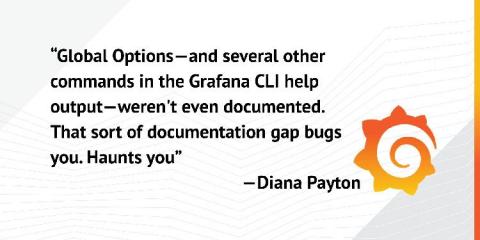
People think technical writing is boring, but sometimes documenting software is an adventure. It’s not an adventure like “whee, got my sword and shield, adventure time!” No, it’s more like taking a nice stroll down a path to an unfamiliar-but-known destination when the ground suddenly opens up under your feet. As you’re falling down into the depths, that’s when you realize you are about to have an adventure. I’m a technical writer at Grafana Labs.
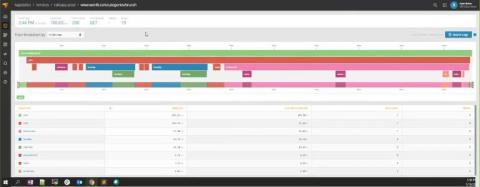
This blog post will explain how to effectively profile your website so that you can deal with performance pain points. We’ll go through the two most used tools in Google Chrome for profiling: Imagine that you optimized your backend and everything is running smoothly. However, for some reason, the load time of your pages is still unreasonably high. Your users might be experiencing sluggish UI and long load times. This post will help you sort these issues out.