Introducing Squadcast's Service Graph | Incident Management | Squadcast
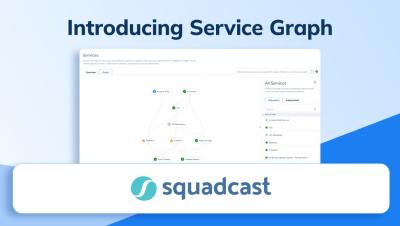
This video introduces you to Squadcast's Service Graph feature.


The latest News and Information on Incident Management, On-Call, Incident Response and related technologies.
Most software engineers know that they are typically tasked with on-call shifts, but new software engineers entering the field may be asking themselves – What do I even do if I get scheduled for an on-call shift? This is a common question that often doesn’t get answered until that first on-call shift, and unfortunately that can be overwhelming for a young professional who is nervous about their first on-call shift, let alone their first incident.
2023 at incident.io was a year to remember. While it's easy to be cyclical about proclaiming that every year was better than the last, a few things stand out that made 2023 truly a year for the books. TL;DR, a lot happened! Especially when you consider that a lot of things didn't make the list above. So as we turn the page to 2024, we wanted to take a moment to reflect on the transformative year that was 2023, not only for us but our customers as well.
Whenever you're providing a service to businesses or individuals that they rely on, it's important to make sure that it's up and running as much as possible without disruptions. But the reality is that, despite your best efforts, downtime does happen. Regardless of when incidents strike, whether it’s 2 PM in the middle of the working day or 2 AM, it's important to have people available to diagnose and resolve issues as soon as possible.