Mailchimp
Not subscribed to OpsMatters Newsletter


Data is kind of like Newton’s first law of motion. Data is just that unless acted upon by something else. Time series data, therefore, is something you derive from data. We generally derive time series data to record historical observations about a physical or virtual system (for example, think of sensors and servers, respectively). However, not all time series data is the same. There are different use cases for time series data, and each has its own workload needs.
Azure Blob Storage is a cloud-based storage solution that enables developers to store and manage large amounts of unstructured data. Blob storage can store any type of text or binary data, such as documents, images, audio, and video files. Blobs are divided into three types: block blobs, append blobs, and page blobs. Each type of blob has its unique characteristics and is used for different purposes.
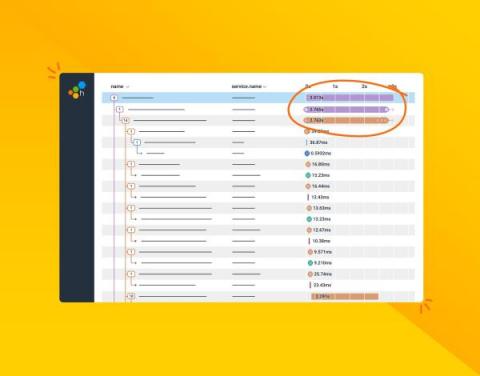
So you're used to debugging systems using a distributed trace, but your system is about to introduce a message queue—and that will work the same… right? Unfortunately, in a lot of implementations, this isn't the case. In this post, we'll talk about trace propagation (manual and OpenTelemetry), W3C tracing, and also where a trace might start and finish.
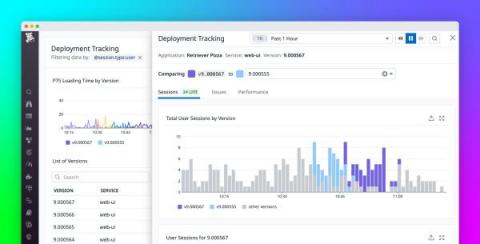
Many developers and product teams are iterating faster and deploying more frequently to meet user expectations for responsive and optimized apps. These constant deployments—which can number in the dozens or even hundreds per day for larger organizations—are essential for keeping your customer base engaged and delighted. However, they also make it harder to pinpoint the exact deployment that led to a rise in errors, a new error, or a performance regression in your app.
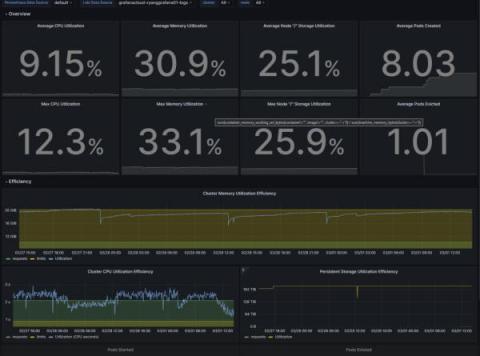
Overprovisioning or underprovisioning your Kubernetes resources can have significant consequences on both your budget and your app performance. By underprovisioning your Kubernetes infrastructure, you’ll end up with lagging, underperforming, unstable, or non-functional applications. On the opposite end of the spectrum, overprovisioning is a costly issue: Organizations spent almost $500 billion on cloud resources in 2022, yet an estimated 30% of those were wasted.
Before diving into how to monitor HTML Canvas, let’s define it. HTML Canvas is a powerful feature of HTML5 that allows developers to create and manipulate graphics, animations, and other visual effects using JavaScript. It’s a blank slate on which you can draw whatever you want, making it an excellent tool for creating interactive and dynamic web content.