Maximize network traffic insights with extended raw data storage
Introducing HighPerf, our highly scalable raw storage database that facilitates smarter analytics, faster troubleshooting, and better bandwidth management.


The latest News and Information on Monitoring for Websites, Applications, APIs, Infrastructure, and other technologies.
Introducing HighPerf, our highly scalable raw storage database that facilitates smarter analytics, faster troubleshooting, and better bandwidth management.
If you know someone who actually likes managing work across projects, we’d love to meet this mythical being. Because we can’t imagine who enjoys hand-sifting through digital piles of notifications, prioritizing issues, then tracking down the right developer to assign the issue to. And once you’re done with that detective work, your engineer-of-the-hour may not even have access to the right tools to resolve the issue. Who’s got time for all this org chart spelunking?
We’ve been busy this summer and introduced two new features last month – longer intervals and a grace period for recurring jobs monitoring (Heartbeat monitors). There is some good news this month too, so let’s get right into it!
Why do APIs require authentication in the first place? Users don't always need keys for read-only APIs. However, most commercial APIs require permission via API keys or other ways. Users might make an unlimited number of API calls without needing to register if your API had no security. Allowing limitless requests would make it impossible to develop a business structure for your API. Furthermore, without authentication, it would be difficult to link requests to individual user data.
Dropped log lines due to out-of-order timestamps can be a thing of the past! Allowing out-of-order writes has been one of the most-requested features for Loki, and we’re happy to announce that in the upcoming v2.4 release, the requirement to have log lines arrive in order by timestamp will be lifted. Simple configuration will allow out-of-order writes for Loki v2.4.
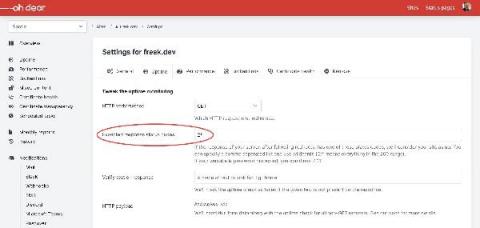
Keeping an eye on your site and sending you a notification when it goes down is one of the core features of Oh Dear. Under the hood, we'll send a request to your site and take a look if the response code is in the 200-299 range, which is the default response code range to indicate that everything is ok. Some of our users are monitoring password protected sites. In such cases, the web server might reply with status code 401 (unauthorised).