Mailchimp
Not subscribed to OpsMatters Newsletter


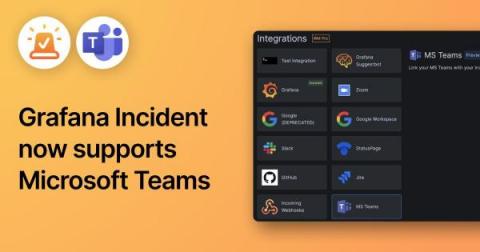
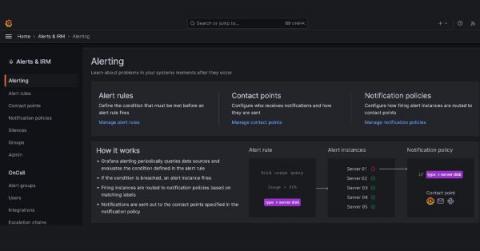
Grafana Incident, the powerful incident response tool that is part of the Grafana IRM suite in Grafana Cloud, comes with a range of integrations out of the box, including Zoom and Google Meet spaces, GitHub and JIRA issues, and even a Google Doc template for post-incident review documents. One of the key features in Grafana Incident is the chatbot integration, which previously only supported Slack.
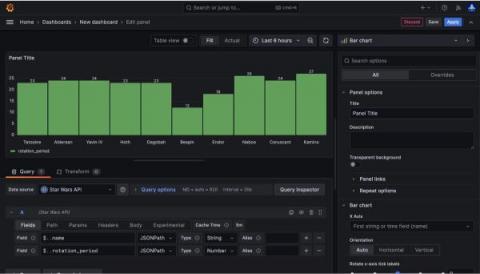
Have you ever wanted to test out Grafana Cloud but don’t have any available data to monitor? Well, have no fear! With the Grafana JSON API plugin, you can query publicly available JSON endpoints. The JSON API is a wonderful way to start using Grafana Cloud. You can quickly see data in action, and there are a multitude of things you can build, analyze, and monitor using the JSON API.
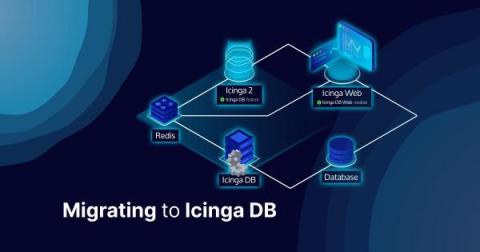
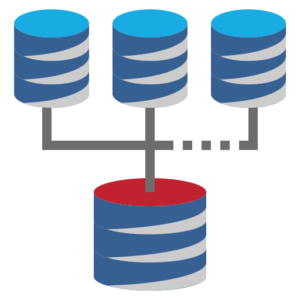
Although Icinga DB has been around for some time and many customers and users are already using it, there may still be some who are wondering how to upgrade/migrate to Icinga DB. This post will briefly explain the components of the Icinga DB and how to install them in a reasonable order. Note that it is assumed that all components are installed on the Icinga primary node(s) using a MySQL/MariaDB database.
After a span of 5 long years, we've bid farewell to Cycle's old portal. Our engineering team has been working tirelessly over the last 10 months to bring a fresh, new interface to the platform for our users. This new design encapsulates the wealth of insights we've gained during this period. Just last week, we took the decisive step of launching it into production, and the initial feedback has been overwhelmingly positive.
Combining these two platforms provides an efficient, scalable and customizable tool for real-time data monitoring and alerting. In the data analytics and visualization world, it is crucial to have a system that not only effectively monitors your data, but can also alert you about any potential discrepancies or anomalies that may arise. One powerful tool set that enables you to monitor and alert on time series data is Grafana and InfluxDB Cloud Serverless.
What do mall food courts and Honeycomb have in common? We both love sampling! Not only do we recommend it to many of our customers, we do it ourselves. But once Refinery (our tail-based sampling proxy) is set up, what comes next? Since sampling is inherently lossy, it’s good to be sure the organization’s most important measurements aren’t negatively affected.
When looking at any automation task in System Center Orchestrator, it will inevitably need to connect to other enterprise management systems to automate the process. This means using an Integration Pack or writing your own piece of PowerShell script to build an integration yourself.