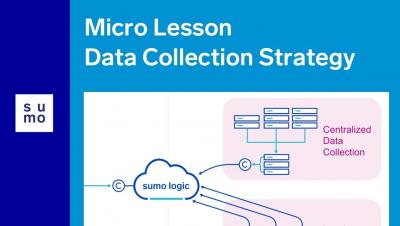
Micro Lesson: Data Collection Strategy
This conceptual video lesson teaches you about different collection strategies and factors to consider when making the decision to implement Sumo Logic in your organization.


The latest News and Information on Log Management, Log Analytics and related technologies.
Lights, Cameras, CHAOSSEARCH Yesterday, Thomas and I had the opportunity to sit down with AM and Nicki from the AWS Twitch series, Build with AM & Nicki. If you’re unfamiliar with the series, it’s definitely a must watch for all things AWS, with a high focus on the different services you can leverage to build products or applications for your business.
Docker containers are an amazing invention that simplified the lives of many IT departments. Container images are lightweight, easily standardizable, and highly secure. Docker is the technology of choice when you need to run several different (and possibly newer) applications on the same servers.
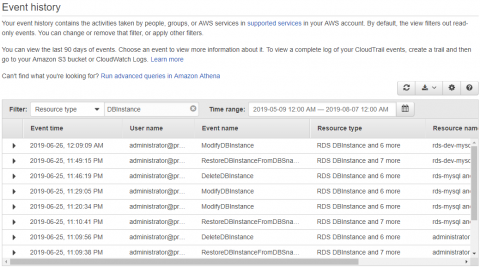
In a recent post, we talked about AWS CloudTrail and saw how CloudTrail can capture histories of every API call made to any resource or service in an AWS account. These event logs can be invaluable for auditing, compliance, and governance. We also saw where CloudTrail logs are saved and how they are structured. Enabling a CloudTrail in your AWS account is only half the task.
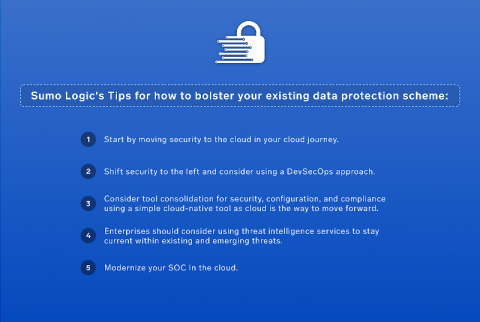
Never before in history has the concept of identity been so vital. To a large extent, everything we rely on to live our lives depends on who we are… or perhaps more accurately, who we can prove ourselves to be. Our data has come to be the standard by which we define ourselves. Because this identity-defining data is online, the protection of our data is of paramount importance.
Information and insight gathered from data delivers tremendous value. But data isn’t helpful if you’re drowning in it! For a while, three open source projects, Elasticsearch, Logstash, and Kibana (together known as the ELK Stack), were touted as the fastest and most cost-efficient approach to managing log and event data.
You have Gigabytes or Terabytes of logs coming in on a daily basis, but now what do you do with them? Should I keep 10 days, 30 days or 1 year? How do I rotate around my logs and configure them in Graylog? Let's talk about the best practices around log retention and how to configure them in Graylog. Log rotation can be done for various reasons ranging from meeting a compliance goal, keeping the size of the index down for faster searches or to get rid of data after a set amount of time.
In the first part of our AWS S3 series, we discussed what AWS S3 buckets are, the difference between S3 and EC2s, advantages of AWS S3 object storage, and AWS S3 API integration. In this next post, we’ll be covering AWS S3 Monitoring, including the importance of leveraging data and monitoring metrics, and how Sumo Logic provides insight into your infrastructure with S3 logs.