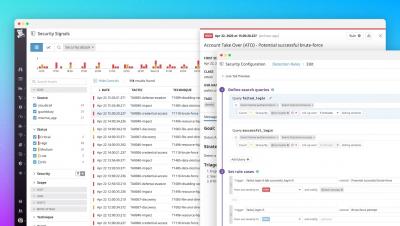
Take a deeper look into how Galileo works. You'll see strategic use cases for Galileo as well as an introduction to each of the 4 Galileo Performance Explorer dashboards.
This video explains how to set up a simple service desk for an HR team, featuring the definition of categories of requests that will be handled by the system, the team members that will manage them, and two alternatives for configuring user accounts (a CSV import, or self registration).
This video explains how to set up a simple service desk for an HR team, focusing on email integration to allow your employees to get updates, as well as create and update tickets directly through their email.
This video explains how to set up a simple service desk for an HR team, focusing on using Breaking News to send announcements to your team members, as well as the Knowledge Base to make information and other documentation available to them.
This video explains how the service desk we set up in parts 1, 2 and 3 functions, focusing on how employees can create tickets, and how your HR team can handle them.
It's time to provision our Request Metrics server. There is some common configuration that applies to all Linux servers. We want this base configuration regardless of what that specific server is doing. This a great use case for an Ansible role. Our "linux-common" role includes these among other things:
Don’t wonder about the health of your infrastructure. Let’s be sure you’re ready. The Galileo 30-Day FREE Trial includes a comprehensive health assessment that quickly pinpoints any current or potential problem areas. Get the most out of all of the assets in your infrastructure.