Operations | Monitoring | ITSM | DevOps | Cloud

How to Use Smart Config

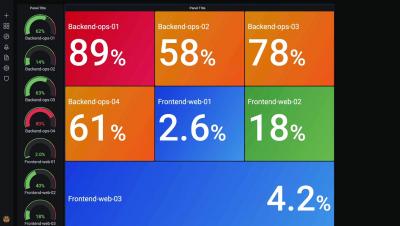
Video tutorial on how to use Smart Config in PA Server Monitor. The Smart Config feature is a very useful tool for quickly adding servers or devices to be monitored. You specify one or more servers, and the monitors inspect the servers/devices and create appropriate monitors for each one based on default settings. You can access the feature by clicking the Smart Config button at the top of the Console. You can paste a list of server names or IP addresses into an edit box. You can also press the Discover button to find a list of servers for you (more on that below).

Threat Hunting with Network Metadata

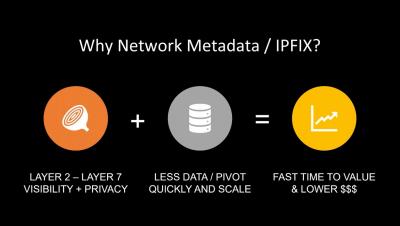
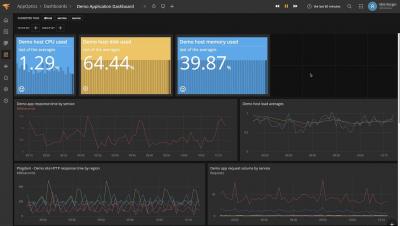
Maintaining a safe and secure network is not optional with an ever increasing amount of threats and methods of intrusion. Learn how you can leverage network metadata for fast and effective threat hunting, today. In this webinar, you will see how bringing together NetOps and SecOps information can help your organization continually locate and validate past and present indicators of compromise more efficiently

7 ITIL® 4 tips for service professionals by the ITIL 4 co-author | ITIL 4 overview, benefits & more

Presented by Barclay Rae, ITIL 4 co-author and a well-known ITSM consultant, this webinar focuses on the practical application of ITIL 4, using value streams, and the various areas of professionalism that are now included as part of the ITIL 4 portfolio.

Episode 15: Cookie Authentication in ASP.NET Core

Core Identity is the officially encouraged method of authenticating users in ASP.NET Core. As you might have guessed, we're not fans of the heavy handed, black box approach needed to make Core Identity "Just work". We want to use as much of the existing ASP.NET Authorization framework as we can while avoiding Core Identity. Thankfully, ASP.NET Supports cookie authorization without Core Identity!