We all know that Prometheus is a popular system for collecting and querying metrics, especially in the cloud native world of Kubernetes and ephemeral instances. But people forget that Java has been running enterprise software since 1995, while Prometheus is a relative newcomer to the scene. It was only created in 2012! Even though Java has had its own metric collectors since before Prometheus was born, none of our new environments speak its (metric) language. How can you bridge that gap?
There are a lot of great things about Grafana 7.0, but one of my favorite features is the new React-based plugin platform, which has a set of new APIs and design system to help you build your own plugin. The process is easier and faster than ever. In this blog post, I’ll show how you can create a panel plugin for visualizing scatter plots. A scatter plot is a type of graph that displays values for (usually) two variables as a set of points along a horizontal and vertical axis.
Do you have a Prometheus histogram and have you asked yourself how to visualize that histogram in Grafana? You’re not alone. Here, we will show you how it’s done. This post assumes you already have a basic understanding of Prometheus and Grafana and it will look at Prometheus histograms from the perspective of Grafana 7.0.
As many of you already know, we created Grafana using AngularJS, but we have been migrating to React for about two years now. One of the big missing pieces in our migration puzzle was the templating system. This post starts in late 2019 when I first got my hands on this mysterious and complex area of the Grafana code base.
Got the basics down and ready to move on to more advanced aspects of Kusto? You’ve come to the right place! Here you will learn how to use aggregation functions, visualize query results and put your data into context. If you’re just getting started with Kusto, check out our ‘Jumpstart Guide to Kusto’ before starting on this one. Let’s get into it!
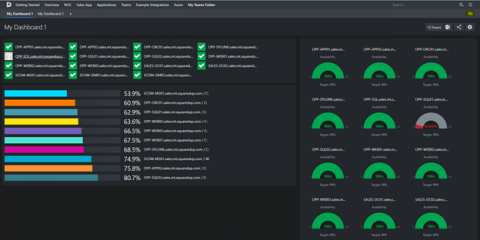
The task of monitoring and managing an entire network, including all the servers and applications that run on it, is by no means easy. With so many components of varying complexity, the volume of performance data coming at you can be overwhelming. This information overload increases the chances of missing data that could help discover performance inefficiencies.
Visualization and Analytics are two of the most important aspects of monitoring without which the entire data stack could just mean NOTHING. Considering the plethora of graphing tools available in the market today, selecting the right one could often be confusing. In our blogs at Metricfire, we break down the best tools in terms of their setup efforts, usage, market competitors, pricing models, best practices, and many more. Grafana and Chronograf both are among the best tools available today.