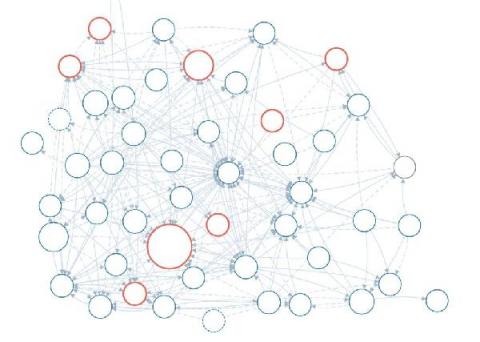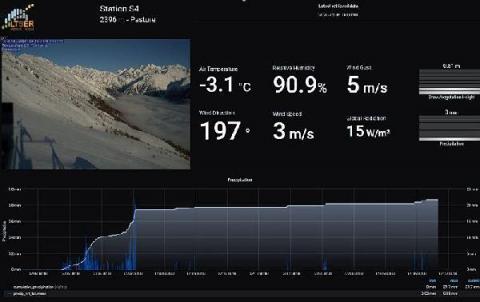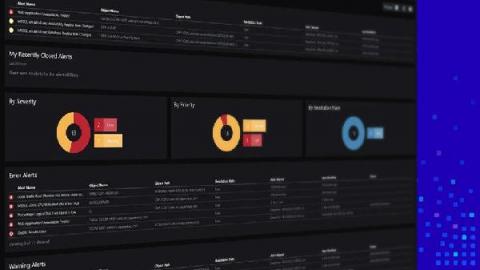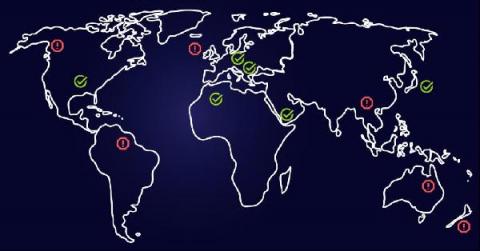
It’s been a while, but the Kelly and Regis of Grafana Labs (a.k.a. Christine and Eldin of Solutions Engineering) are back to report on another Grafana Enterprise plugin: New Relic! The latest version of this plugin will be just one of the many topics we’ll cover during today’s webinar, All about Grafana plugins: Visualizing disparate data sources in one place. We’ll be hosting a great conversation around plugin updates, use cases, and the best way to make coffee.
The 7.1 stable release builds on the major developments in Grafana 7.0. Here are some features we’re excited about in Grafana 7.1.
Cortex and Thanos are two brilliant solutions to scale out Prometheus, and many companies are now running them in production at scale. These two projects, both in the CNCF Sandbox, initially started with different technical approaches and philosophies: Cortex has been designed for scalability and high performances since day zero, while Thanos was originally focused on operational simplicity and cost-effectiveness.
We’re excited about today’s release of Grafana 7.1, which extends Grafana’s built-in InfluxDB datasource to run queries in both the Flux language and InfluxQL. This means it’s super easy to connect Grafana to InfluxDB — whether you use InfluxDB 1.8 or 2.0, Flux or InfluxQL. Because this InfluxDB datasource is built into Grafana 7.1, there is no separate plugin to download and install.
Kibana is considered the “window” to Elasticsearch and indeed it’s a powerful UI for searching, filtering, analyzing, and visualizing Elasticsearch data, but Kibana settings are also used to configure, administer and monitor the Elasticsearch cluster. In this lesson, we’re going to explore how Kibana settings can be tweaked for collaborative teamwork. Without further ado let’s jump right into spaces!
Amazon’s Elastic Compute Cloud (AWS EC2) is one of the most popular ways to run applications in the cloud, but finding logs for a given instance is a common struggle. That’s where Loki can help. With Loki aggregation, you can group all your logs from all your virtual machines in one place, and with its search capabilities, you can quickly find and analyze them. It’s a great way to gain visibility in your cloud deployment.
If you’re new to the Dashboards Beta app on Splunkbase and you’re trying to get started with building beautiful dashboards, the "Dashboards Beta" blog series is a great place to start. This Dashboards Beta app brings a new dashboard framework, intended to combine the best of Simple XML and Glass Tables, and provide a friendlier experience for creating and editing dashboards.
Logz.io Infrastructure Monitoring just got some substantive upgrades to kick off the summer. The major change is the Grafana 7 update, specifically to version 7.0.3. This includes several new features. The Logz.io deployment will also include applying Grafana to logs. The Transform tab gives users the option to quickly add non-time series data to tables and then pair it with other data (time series or not) in your Metrics deployment.
Nothing is more frustrating than feeling like you’ve finally found the perfect trace only to see that you’re missing critical spans. In fact, a common question for new users and operators of Jaeger, the popular distributed tracing system, is: “Where did all my spans go?” In this post we’ll discuss how to diagnose and correct lost spans in each element of the Jaeger span ingestion pipeline.