Operations | Monitoring | ITSM | DevOps | Cloud

How Etsy gets its mobile apps ready for peak traffic

Most advice about surviving a traffic spike is about capacity. Scale the fleet, warm the caches, load test the checkout path. All of it assumes you can fix whatever breaks the moment you find it. Mobile apps don’t work that way. I spent an hour on a workshop with Jay Henry, a senior engineering manager at Etsy who owns engineering strategy across three teams covering CI, build, test, release, observe, and SRE. Jay’s take: a web team having a bad day can revert in minutes.

Creating a private 5G network

Private 5G networks are dedicated cellular systems delivering ultra-reliable low-latency communication, massive IoT connectivity, and customized security for enterprises undergoing digital transformation. Private 5G subsumes advantages of both public and non-public networks, offering unified connectivity, optimized services, and customized security within a defined area.

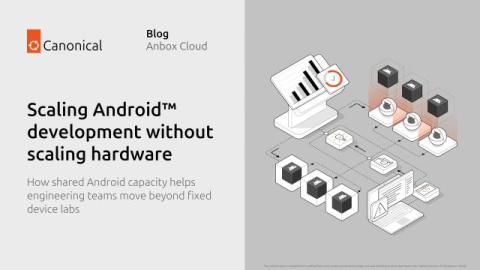
Scaling Android development without scaling hardware

How shared Android capacity helps engineering teams move beyond fixed device labs In the first blog of this series, we discussed how programmable Android environments can replace manual device preparation with a repeatable lifecycle. A workflow requests an environment with a predefined configuration, executes the required task, collects the results, and releases the resources once the work is completed. Automation enables a team to create a single Android environment reliably.

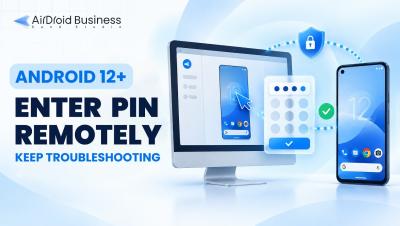
How to Remotely Unlock PIN Protected Android Devices with AirDroid Business

Are you struggling to access and troubleshoot remote Android devices that remain locked—even after connecting? This video explains how to resolve the lock screen keypad visibility issue on Android 12 or later devices, so your IT team can unlock and support devices efficiently. Discover how AirDroid Business enables seamless remote PIN entry to keep your business operations running smoothly. Start managing remote device unlocks today with AirDroid Business.

How Companies Keep Devices and Traveling Staff Connected Abroad

The most reliable way to stay connected across borders is to stop depending on a single local carrier. A SIM tied to one network works fine at home, but the moment a device or an employee crosses a border, that same SIM becomes the weak link. Roaming fees climb and coverage gets patchy. Often nobody at the office notices until something stops reporting or someone stops answering. Companies that work internationally solve this with two tools. Devices get a multi-network SIM, and travelers get an eSIM, a SIM that is installed digitally instead of as a physical card.

HONOR Magic V6 vs Samsung Galaxy Z Fold 7: Which Foldable Should You Buy?

Choosing between two premium book-style foldables means looking beyond screen size. In the HONOR Magic V6 vs Samsung Fold 7 contest, HONOR offers the newer processor, a much larger battery, faster charging, and stronger ingress protection. Samsung counters with a lighter body, a 200MP main camera, mature multitasking tools and longer proven software support.

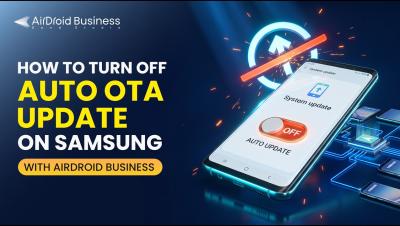
How to Turn Off Auto OTA Update on Samsung with AirDroid Business

Are unplanned OTA updates disrupting your POS transactions, digital signage, or field operations? Unexpected firmware updates can cause costly downtime and business interruptions, especially during working hours. In this video, you'll learn how to block forced OTA update requests on Samsung devices, ensuring continuous device availability and operational stability.

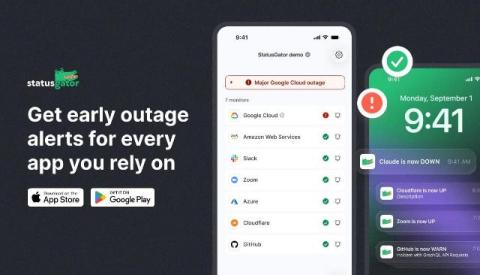
The StatusGator mobile app is here

We’re excited to launch the StatusGator mobile app for iOS and Android, designed to put outage alerts right in the palm of your hand. Your StatusGator status page is the central hub for your entire organization to view and understand the status of all your services. These pages have always been accessible on mobile. Now, with the dedicated app, end users of your status page can take the services they depend on with them and receive updates directly on their phones.

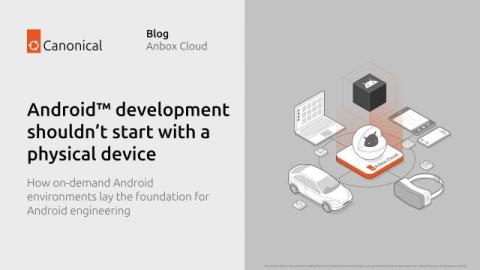
Android development shouldn't start with a physical device

How on-demand Android environments lay the foundation for Android engineering Software engineering has evolved dramatically over the last decade. Development environments that once depended on dedicated hardware have become resources that can be provisioned, configured, and removed on demand. Infrastructure is now expected to be reproducible, automated, and integrated into continuous development workflows. However, Android has largely remained an exception.

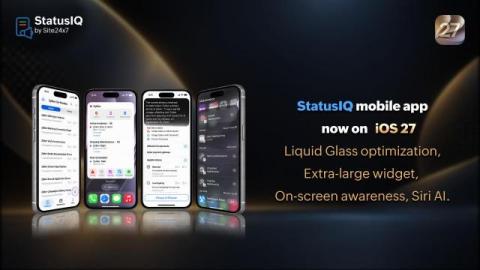
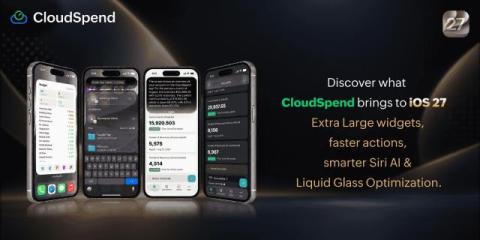
How we built iOS 27 into StatusIQ: Onscreen awareness, Siri actions through Spotlight, a one-stop widget for key information, and Liquid Glass optimization

When an incident hits at 2am, every second of context switching adds risk. The latest StatusIQ iOS update is built around one principle: Get the right information and the right actions to your team faster, with less friction. With iOS 27 support now live in the StatusIQ mobile app, here's what's changed and why it matters.

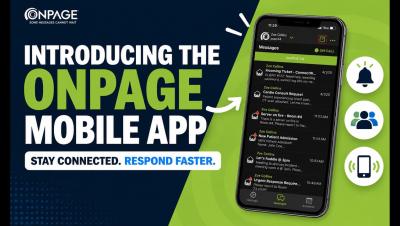
OnPage Mobile App User Guide

How to Use the OnPage Mobile App Get more out of the OnPage mobile app with this step-by-step walkthrough. In this video, we take an in-depth look at the app’s key features and show you how to use them, from managing alerts and responding to incidents to staying connected wherever you are. Whether you’re new to OnPage or looking for a quick refresher, this guide makes it easy to get started.

The Missing Step in Mobile Release Operations: Store Screenshot Management

Mobile release teams are used to managing code, builds, test results, signing credentials and deployment approvals. Store screenshots often sit outside that system. They are treated as a final design request, passed between product, marketing and engineering in a collection of chat messages and shared folders.