Operations | Monitoring | ITSM | DevOps | Cloud

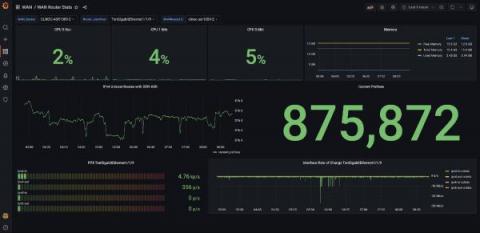
How to monitor your Apache Spark cluster with Grafana Cloud

Here at Grafana Labs, when we’re building integrations for Grafana Cloud, we’re often thinking about how to help users get started on their observability journey. We like to focus some of our attention on the different technologies you might come across along the way. That way, we can share our tips on the best ways to interact with them while you’re using Grafana Labs products.

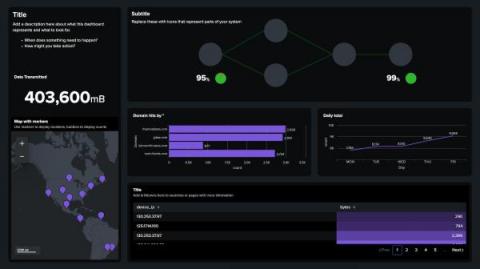
Splunk UI and the Dashboard Framework: More Visual Control Than Ever

If you attended.conf21, or followed any Splunk blogs by Lizzy Li for the past year, then you likely have heard of Splunk Dashboard Studio — our new built-in dashboarding experience included in Splunk Enterprise 8.2 and higher and Splunk Cloud Platform 8.1.2103 and higher. With new, beautiful visualizations and the ability for more visual control over the dashboard, our customers and Splunkers alike have been creating beautiful and insightful dashboards to turn data into doing.

On the Brittleness of Dashboards

Dashboards are one of the most basic and popular tools software engineers use to operate their systems. In this post, I'll make the argument that their use is unfortunately too widespread, and that the reflex we have to use and rely on them tends to drown out better, more adapted approaches, particularly in the context of incidents.

Optimizing Web Performance: Understanding Waterfall Charts

Waterfall charts are diagrams which represent how website resources are being downloaded, parsed by the engine, in a timeline that gives us the opportunity to see the sequence and dependencies between resources. It assists in identifying where important events happened during the loading process. They can also let the user easily see how good or bad the performance of their website is, showing you exactly what is slowing down your site.

Monitor real-time distributed messaging platform NSQ with the new integration for Grafana Cloud

Today, I am excited to introduce the NSQ integration available for Grafana Cloud, our platform that brings together all your metrics, logs, and traces with Grafana for full-stack observability. NSQ is a real-time distributed messaging platform designed to operate at scale, handling billions of messages per day. It’s a simple and lightweight alternative to other message queues such as Kafka, RabbitMQ, or ActiveMQ. This will walk you through how to get the most out of the integration.

Dashboard Fridays: Log Analytics VM Insights

Join Adam Kinniburgh in this latest Dashboard Fridays episode, in which he showcases a Log Analytics VM Insights dashboard. This dashboard, built with the WebAPI tile for the CE and SCOM editions of SquaredUp, surfaces key metric data for Virtual Machines, regardless of where the servers are hosted. In this short video, we'll demonstrate how this dashboard was built using SquaredUp dashboards, the challenges it solves, and how you can easily replicate it in your own environment.

How Dapper Labs uses Grafana Cloud to meet the global demand of NFT Mania

Ever since a JPEG created by the digital artist Beeple sold for more than $69 million in 2021, the worldwide obsession with NFTs (non-fungible tokens) that represent digital collectibles, art, and media has been growing. A company at the forefront of the NFT world is the blockchain gaming studio Dapper Labs, which leverages blockchain to build addictive games (such as CryptoKitties), verify authentic digital collectibles, and run fan tokens for sports personalities and music artists.

New in Grafana 8.4: How to use full-range log volume histograms with Grafana Loki

In the freshly released Grafana 8.4, we’ve enabled the full-range log volume histogram for the Grafana Loki data source by default. Previously, the histogram would only show the values over whatever time range the first 1,000 returned lines fell within. Now those using Explore to query Grafana Loki will see a histogram that reflects the distribution of log lines over their selected time range.