Operations | Monitoring | ITSM | DevOps | Cloud

Sponsored Post

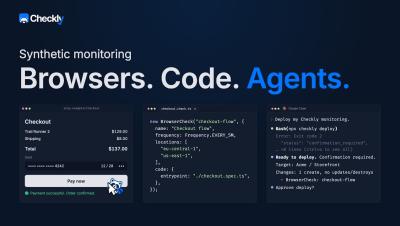
Synthetic Monitoring Is Broken. Your Production Traffic Can Fix It.

Synthetic monitoring has been a critical part of application reliability for years. It gives engineering and operations teams a way to proactively test applications, APIs, and critical customer journeys before users encounter problems. But there is a fundamental limitation with the traditional approach: Someone has to create the tests. As applications become more distributed and customer journeys become more complex, organizations can end up maintaining hundreds or even thousands of synthetic scripts. Every new feature, API, dependency, or change to a customer journey can require another update.

A Better Way to Monitor Every Digital Journey with LogicMonitor Synthetics and Internet Performance Monitoring

LogicMonitor Synthetics and Internet Performance Monitoring helps ITOps teams catch digital experience issues earlier with outside-in visibility across apps, networks, APIs, and SaaS.

The Synthetic Claims Crisis: How Generative AI Is Reshaping Insurance Fraud and Visual Verification

The insurance industry is currently facing a fundamental shift driven by rapid advancements in generative technology. Automated intake pipelines have significantly sped up processing, yet they have simultaneously exposed insurance companies to an entirely new category of financial risk. Today's generative networks and image editing tools allow anyone to craft hyper-realistic visual evidence in moments. Bad actors no longer rely solely on physical staging; they can fabricate fake vehicular accidents or digitally amplify minor home damage with incredible accuracy.

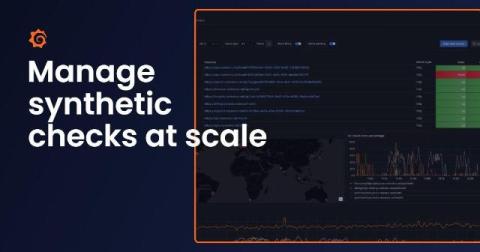
Custom labels in Grafana Cloud Synthetic Monitoring: New updates for consistency and ease-of-use

Labels are a powerful way to organize telemetry and define policies across Grafana Cloud, helping to streamline alerting, attribution, access control, and more. But traditionally, custom labels in Synthetic Monitoring have worked a little differently: they only lived on a single sm_check_info metric, and Grafana Cloud prefixed each one with label_.

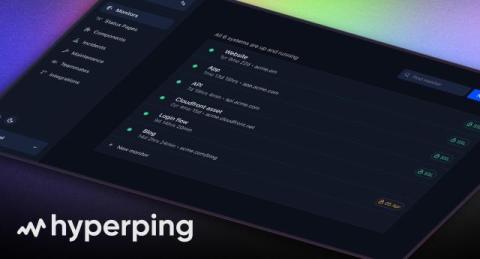
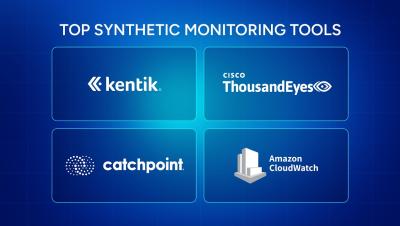
Best Synthetic Monitoring Tools [36 Analyzed, 7 Shortlisted]

Summarize with ChatGPT Summarize with Claude The best synthetic monitoring tools are Hyperping for Playwright browser checks with on-call and status pages, Checkly for Playwright-native monitoring as code, Datadog for connecting failed journeys to logs and traces, Grafana Cloud for teams using k6, Better Stack for checks inside a broader incident workflow, Site24x7 for no-code recording and broad location coverage, and Uptime.com for enterprise website monitoring.

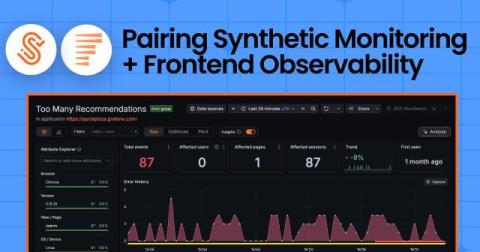
From failed check to real user impact: Pairing Synthetic Monitoring and Frontend Observability in Grafana Cloud

Say you get a support escalation about a page in the app that won’t load. But when you pull up your synthetic checks, they're all green: 100% uptime, probes are passing. Something's not adding up, but which one do you trust? If you’ve run Grafana Cloud Synthetic Monitoring, you’ve been on both sides of this. Sometimes it's the ticket: real users hit a wall on the path but your checks pass cleanly. Other times, it’s the inverse.

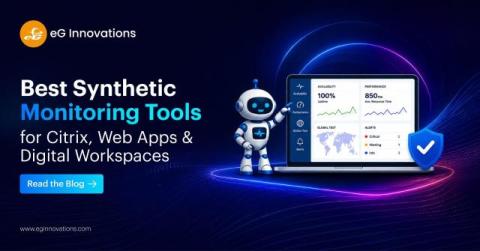
Best Synthetic Monitoring Tools for Citrix, Web Apps & Digital Workspaces

Employee productivity and customer satisfaction depend on the consistent performance of digital workspaces, virtual desktops, web applications, and SaaS platforms. While reactive monitoring identifies issues after users experience them, synthetic monitoring tools enable organizations to detect and resolve performance problems before business operations are affected.

What Is Synthetic Monitoring and Why Does It Matter?

A website can look healthy on your dashboard and still fail when customers try to use it. So how do you catch problems before anyone notices them? In this video, you'll learn what synthetic monitoring is, how it works, and why IT teams use it to detect website and application issues before they impact real users. Discover how automated user journeys help you monitor availability, performance, and critical business transactions 24/7.

Generate Synthetic Time Series Data in InfluxDB 3

Getting InfluxDB 3 up and running is a pretty lightweight process with the installation script. Getting time series data into it is the next step, and for exploration, basic testing, or scenarios where you don’t have a stream of time series data ready to write, that can be a point of friction. That hurdle is particularly high when you want to test the rest of the system around the data you’d be writing.