This video shows you how you can quickly create environments developers can use to deploy and manage their applications with a self-service model while keeping things under control. All in less than 15 minutes.
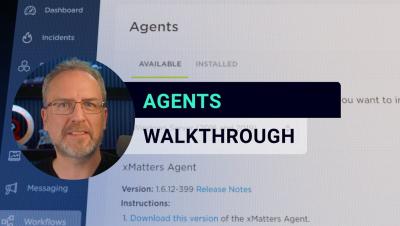
The xMatters agent is a service that you install behind a firewall on a system to process integration builder scripts. This allows integrations to interact with your company’s file system or communicate with systems that can’t be accessed externally.
Learn our best practices for configuring and optimizing your Uptime.com Transaction checks; covering commands, validators, and general practices. For more information view our video library for Transaction Check Setup and using the Uptime.com transaction recorder.
Get a lightning fast intro into setting up the Uptime.com Transaction check to monitor your important processes like login forms, contact submissions, and shopping carts. For more in-depth info, check out our detailed video on Transaction Check best practices, and using the Uptime.com Transaction Recorder for an easy, no-code approach to configuring your synthetic monitoring.
Check out the Uptime.com chrome-based Transaction Recorder to simplify your synthetic monitoring. Quickly setup checks to monitor your forms, login processes, and payment process simply by mimicking the click actions of your users.
London Stock Exchange Group (LSEG) is a 300 year old institution that processes 1M+ trades every day, totalling billions of pounds in value. Learn how Datadog helps LSEG proactively identify issues and prevent system outages to ensure the exchange runs smoothly.