The latest News and Information on Cloud monitoring, security and related technologies.
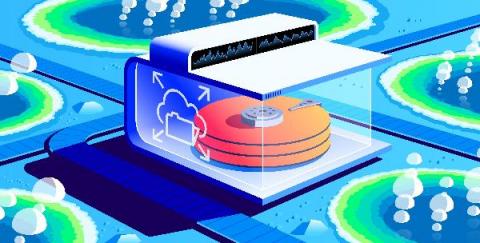
Your logs, metrics, security, and trace data are all invaluable to you. They are mission critical for your observability and security needs. As your IT infrastructure grows and keeps generating more and more data, your data volumes and data storage needs go up accordingly. It can quickly become cost-prohibitive to indefinitely store all of it on your hottest machines.
Cloud services make the daily tasks of business easier. They enable remote workforce collaboration, streamline administrative tasks, and reduce capital costs. However, these “pros” come with a few “cons.” The IT stack’s increased complexity means staff work across divergent log management tools when something breaks. Centralized log management for the cloud makes root cause analysis easier by aggregating all event log data in a single location.
We are excited to bring you a number of updates for using Elastic Cloud (Elasticsearch managed service) in the AWS Marketplace.
The best way to reduce your EC2 costs is to integrate MetricFire with CloudWatch. So let us first read what is AWS all about! Amazon Web Services (AWS) is a secure cloud storage and computing services platform that offers a variety of combinations for file storage, database storage, computing options, and content delivery networks.
How do we get started on monitoring AWS Lambda? Let me first introduce you to the term serverless computing. It doesn't matter if you have been in the tech industry only a few months, or you started writing code when Pascal was still considered cutting edge, you probably would have heard the term serverless computing thrown around in recent times. But what exactly is serverless computing?
Troubleshooting an application running on Google Kubernetes Engine (GKE) often means poking around various tools to find the key bit of information in your logs that leads to the root cause. With Cloud Operations, our integrated management suite, we’re working hard to provide the information that you need right where and when you need it. Today, we’re bringing GKE logs closer to where you are—in the Cloud Console—with a new logs tab in your GKE resource details pages.