Operations | Monitoring | ITSM | DevOps | Cloud

The latest News and Information on DevOps, CI/CD, Automation and related technologies.

Everything You Need To Know About Cloud Egress Charges

Whenever you move data into or out of a cloud, the traffic crosses one or more networks, potentially resulting in transfer charges. These are known as ingress (moving data into the cloud) and egress (moving data out of the cloud) charges - and there's incentives in most of the pricing models by cloud service providers (CSP) to encourage an organisation to use a direct connection to transfer data, rather than go via the public internet.
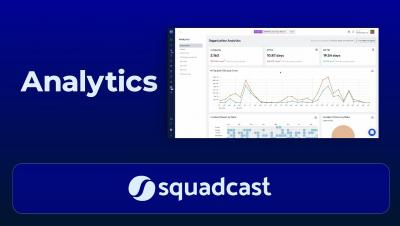
Analytics in Squadcast | Incident Management | On-call | SRE | Squadcast

Analyzing incident data plays a key role to do better SRE. Squadcast's Analytics Dashboard helps you analyze the performance of your Organization/ Team, for a given time period. It also gives you more insight into past outages that affected your systems.

Integrating Squadcast with Jira (Cloud & Server) - Create tickets & bidirectional sync | Squadcast

You can use this integration guide to install and configure the Squadcast extension in Jira Cloud & Jira Server to create issues in Jira projects when there is an incident in Squadcast. Also learn to automatically or manually sync the status bidirectionally.

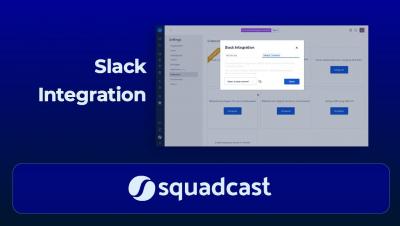
Integrating Slack & Squadcast- Trigger, Acknowledge, Resolve & Reassign incidents from Slack channel

You can integrate Squadcast and Slack to collaborate efficiently with your team while working on incidents. Squadcast sends a notification to the configured Slack Channel as soon as an incident is triggered.

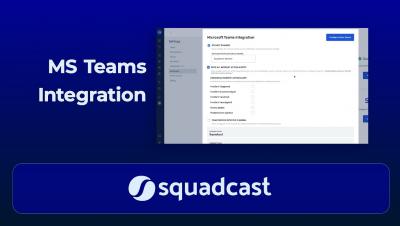
Integrating Microsoft Teams & Squadcast - Acknowledge, Resolve & Reassign Incidents | Squadcast

Teams using MS Teams can now integrate with Squadcast and easily Acknowledge, Resolve & Reassign incidents using MS Teams. You can configure Squadcast to send a notification to the configured MS Teams channel as soon as an incident is triggered.

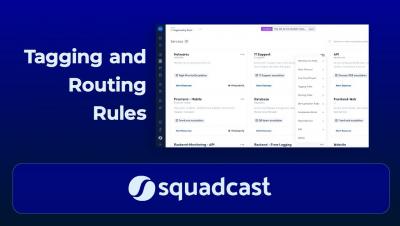
Tagging & Routing at Squadcast | Incident Management | Squadcast

Event Tagging is a rule-based, auto-tagging system with which you can define customized tags based on incident payloads, that get automatically assigned to incidents when they are triggered. Auto-add relevant information like priority, severity or alert type to make incoming incidents context-rich. Route alerts to the right responder(s) based on the tags they carry

Monitor Citrix Hypervisor performance with Datadog

Citrix Hypervisor, formerly known as Citrix XenServer, is a type 1 hypervisor that enables organizations to run and manage an entire virtual infrastructure—including VMs, virtual desktops, and virtual applications. Organizations can also use Citrix Hypervisor to optionally host these virtual workloads with higher availability and flexibility by implementing managed server groups called resource pools.

Sponsored Post

Classifying Severity Levels for Your Organization

Major outages are bound to occur in even the most well-maintained infrastructure and systems. Being able to quickly classify the severity level also allows your on-call team to respond more effectively. Imagine a scenario where your on-call team is getting critical alerts every 15 minutes, user complaints are piling up on social media, and since your platform is inoperative revenue losses are mounting every minute. How do you go about getting your application back on track? This is where understanding incident severity and priority can be invaluable. In this blog we look at severity levels and how they can improve your incident response process.