Operations | Monitoring | ITSM | DevOps | Cloud

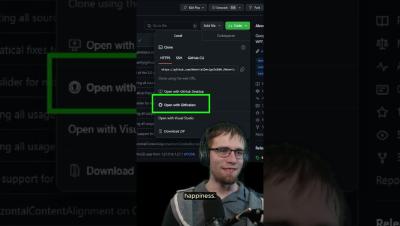
Pros & Cons of Mono Repo v. Multi Repo #GitKraken #Workshop #shorts

Keeping track of multiple repos can be challenging, but staying on top of PRs and Issues in mono repos can be just as difficult. 😖 Ultimately, the best option depends on things like team size, project complexity, and integration needs. Want to become a multi repo pro without losing your sanity?

Implementing a Secure Credentials Policy on CircleCI | The Developer's Edge | Atlassian

This video demonstrates how you can securely manage your secrets on CircleCI. By using project restrictions, security groups, and ODIC you are able to achieve a level of security that should meet any standard. Connect with Atlassian.

Guardrails and Governance with Config Policies on CircleCI | The Developer's Edge | Atlassian

Do you have strict requirements for what needs to happen within your CI/CD system? Look no further as today we will be covering Config Policies on CircleCI. With Config Policies, you are able to dictate what actions must be present or must no be present in your CircleCI configuration. This allows you to have guardrails and governance into what happens on your CI/CD system. Connect with Atlassian.

Onboarding Your First Project on CircleCI | The Developer's Edge | Atlassian

In this video, we will cover how to onboarding your first project on CircleCI. Onboarding your first project is straightforward and easy. Today, we will be using BitBucket as our SCM and connecting Bitbucket to CircleCI. Once done, you will be able to start building with CircleCI through a push of your code! Connect with Atlassian.

Using Orbs for Reusable Configuration and Integrations | The Developer's Edge | Atlassian

This video covers how to use Orbs and CircleCI to plug into other systems. Orbs are reusable configurations as code and you can think of them as CircleCI’s package manager. They’re great for automating pipeline logic. Today, we will showcase how we can use the Jira orb to update information on your build status. Connect with Atlassian.

From Task Branch in Seconds with Focus View! #GitKraken #shorts

Tired of losing momentum while setting up your work environment? 🛠️ With GitKraken, dive into your Focus View, pick your task, and quickly create branches. From planning to execution in seconds! ⏰ Whether you're on Windows or Mac, or prefer Visual Studio or VS Code, streamline your setup and jump directly into coding. 🧑‍💻

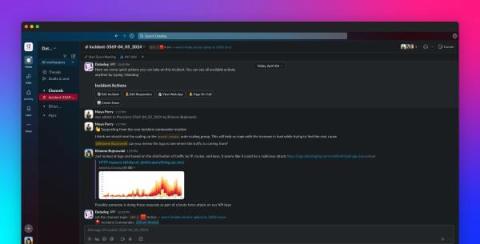
Evaluate, Examine , Enact your Alerts with Pagerly

Are you looking to differentiate Alerts from Noise? Are you looking to reduce your Alerts counts? With Pagerly , now annotate all your alerts as Noise or evaluate. Evaluate, Examine , Enact your Alerts with Pagerly Annotate if the alert is known to you or if requires any Action. Add remarks and context for handovers. Add action items for tracking tasks on the Alert Whether your runbook is present or not, tag all information in the alert.

GitKraken Client Tutorial: How to Connect an Integration

GitKraken Client connects with a variety of services and platforms, simplifying your work with remote repositories. This includes major Git hosting services like GitHub, GitHub Enterprise Server, GitLab, GitLab Self-Managed, Bitbucket, Bitbucket Server, and Azure DevOps. Beyond repository management, GitKraken Client integrates seamlessly with leading issue tracking and project management tools such as Jira, Jira Server, Trello, GitLab Issues, GitLab Self-Managed Issues, GitHub Issues, and GitHub Enterprise Server Issues.