Operations | Monitoring | ITSM | DevOps | Cloud

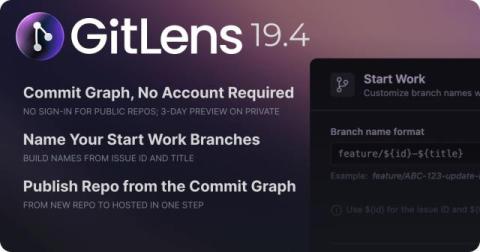
GitLens 19.4: Explore the Commit Graph Without an Account

GitLens 19.4 makes it easier to get into your repository, understand your Git history, and start working without extra setup. The biggest change is simple: the Commit Graph is now available without a GitKraken account for public and local repositories. Open GitLens, open the Graph, and start exploring. No sign-in required. For private repositories, GitLens also gives you a 3-day preview of the Commit Graph without requiring an account, so you can experience the workflow before deciding what comes next.
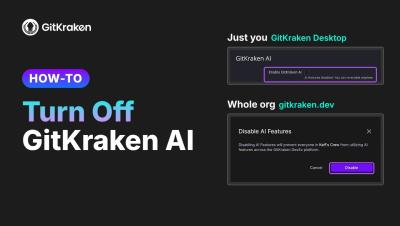
How to Turn Off GitKraken AI (GitKraken Desktop and Organization-Wide)

Let's talk about 2 ways to turn off GitKraken AI: for your own account in GitKraken Desktop, and for everyone in your organization from gitkraken.dev. Turn off GitKraken AI for your account (GitKraken Desktop) Turn off GitKraken AI for your organization (admins and owners) Optional: limit AI providers On the same Security controls page, under Enforce AI providers, turn off any provider you don't want your organization to use.

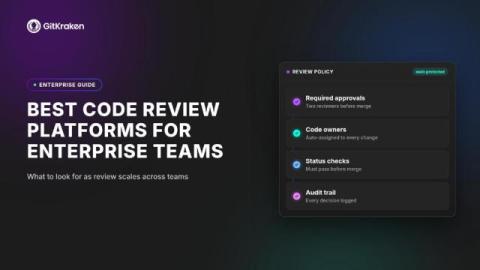
Best Code Review Platforms for Enterprise Teams

If your engineering team operates under compliance constraints, code review is about more than catching bugs. It’s where security policies get enforced, audit trails get documented, and institutional knowledge gets shared. Choosing the right code review platform determines how quickly your developers move from pull request to production. GitKraken gives enterprise development teams a unified DevEx platform that connects code review, pull request management, and collaboration into a single workflow.

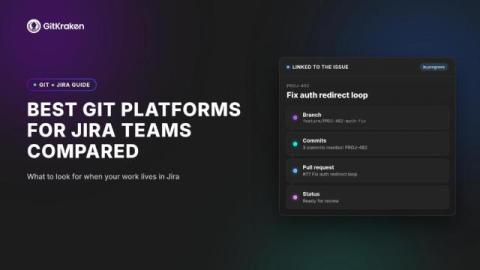
Best Git Platforms for Jira Teams Compared

If your team runs on Jira, the Git platform you choose can either accelerate your workflow or slow it to a crawl. Commits that never show up in your sprint board, branches that don’t link back to tickets, and pull requests that exist in a parallel universe from your backlog: these are the friction points that stack up fast for Jira-centered teams.

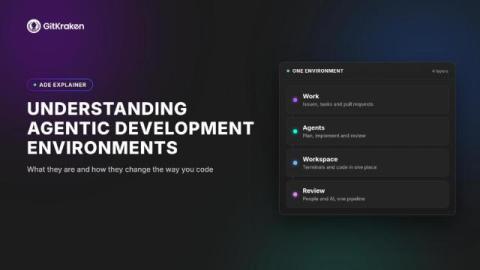
Understanding Agentic Development Environments

AI coding agents are rewriting the rules of software development, but running multiple agents across a real codebase creates a coordination challenge that traditional editors and terminals weren’t built to solve. That’s where agentic development environments come in. An agentic development environment (ADE) gives you a dedicated surface for launching, orchestrating, and reviewing the work of several AI coding agents at once.

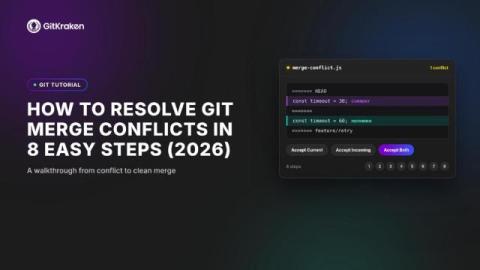
How to Resolve Git Merge Conflicts in 8 Easy Steps (2026)

A Git merge conflict happens when two branches edit the same line of code in different ways. Git can’t decide which version to keep, so it pauses the merge and asks you to step in. The longer a conflict sits unresolved, the harder it becomes to untangle. This guide walks you through eight clear steps to identify, fix, and verify merge conflicts during your branch merging workflow. GitKraken gives you a visual merge tool that turns this process from guesswork into a few confident clicks.

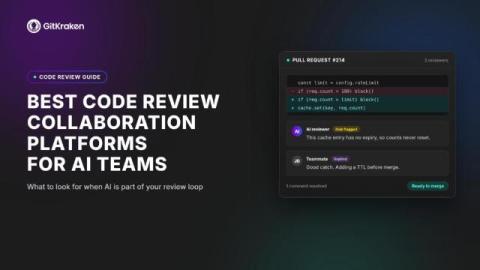
Best Code Review Collaboration Platforms for AI Teams

Your team ships more code than ever, but are your pull requests keeping pace? As AI-assisted development accelerates output, code review collaboration platforms have become the difference between shipping confidently and merging blindly. The right platform connects your review workflows, surfaces context where you need it, and keeps collaboration flowing across distributed teams.

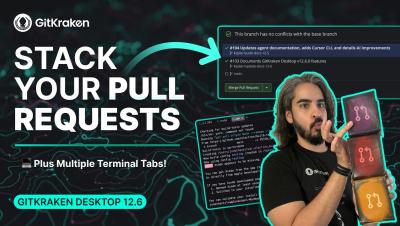
GitKraken Desktop 12.6 Release: Stacked GitHub PRs, Multiple Terminal Tabs

Ready to interact with the stack? GitKraken Desktop 12.6 makes it easier than ever to ship large features and manage multi-task terminal workflows without context switching or losing track of your work. What's new in 12.6: Stacked GitHub Pull Requests: Start a pull request stack against a branch that already has an open PR to break large feature branches into smaller pieces. Stack Visibility Everywhere: View stack position, status, and sequence numbers across the Left Panel PR list, the Pull Request view, and the Commit Graph.

Best Version Control Platforms for Teams in 2026

Your distributed team just merged three branches at once, and the commit graph looks like a plate of spaghetti. Choosing the right version control platform determines whether that scenario ends in a five-minute fix or a full afternoon of detective work. GitKraken gives you a visual, cross-platform approach to Git that turns complex repository management into a clear, collaborative workflow.