Operations | Monitoring | ITSM | DevOps | Cloud

JFrog & Pure Storage - Simplify and Accelerate Artifactory Repositories

Modern software development is getting bigger with a high volume of large binaries and various artifact versions that are shared across many data pipelines. Universal binary package managers, like JFrog Artifactory, integrate with various workflows in the software development lifecycle on Pure Storage - FlashBlade for scalable performance, cost efficiency, and manageability.

Common Operations Problems Solved by OpsRamp Discovery and Monitoring

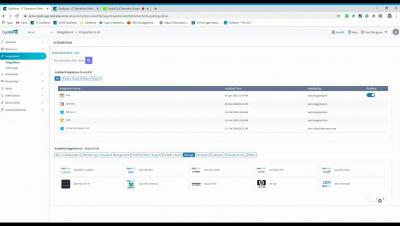
OpsRamp provides hundreds of out-of-the-box IT infrastructure monitoring templates that capture behavioral and performance metrics for applications, servers, networks, storage, and database instances across hybrid and multi-cloud environments. Combined with powerful AIOps capabilities, modern IT operations teams can leverage both native monitors (pre-built instrumentation for managing IT infrastructure) and custom monitors (user-defined instrumentation for specialized workloads) for proactive IT operations management as a service and responsive troubleshooting.

How to Monitor if a Process is Running

PA Server Monitor's process monitor checks how many instances of a target specified process are running on Windows or Linux servers. It then compares that to the threshold and fires actions as needed. The process may be running locally, or remotely. PA Server Monitor can monitor remote processes on Windows servers via WMI or SNMP, as well as processes on remote Linux/Unix servers via SNMP. Process up or down data is recorded every time the monitor runs. You can define a time period, and optionally a summarization (hourly, daily, weekly, monthly) to create an uptime report for the process.

Add Event ID and Text Filter to Event Log Monitor

How to Audit Windows Logons and Logon Failures When a user logs into a Windows computer, or fails to logon, an event can be written to the Windows Event Log. This feature is built in to Windows. The Event Log monitor in PA Server Monitor can tell you when one of these events occurs, thus alerting you to a server logon, or a failed server logon. And because the Event Log monitor has a configurable monitoring cycle (the Schedule button in the lower right corner), you can find out about the logon in nearly real time.