GitKraken Desktop’s branch filtering and soloing capabilities make it easy to focus on just the branches you need. Watch the full Workshop here on YouTube to take control of your repos like a pro!
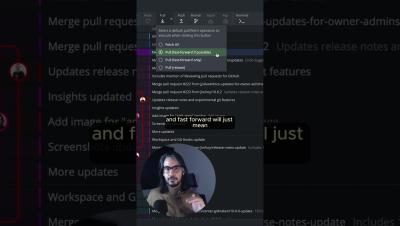
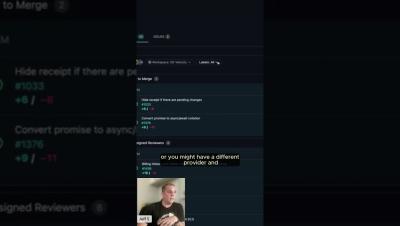
Since GitKraken Desktop 10.0, we’ve added helpful features like the Launchpad, where you can manage PRs, issues, and WIPs in one view. But that's just the beginning – check out the full video here on YouTube for the complete rundown!
Mattermost is excited to announce the release of v10.0, bringing with it a groundbreaking enhancement to our Mattermost Copilot plugin: support for multiple large language models (multi-LLM). This feature, designed to empower mission-critical enterprises, adds a new layer of flexibility, privacy, and control to your AI-driven workflows.
In Mattermost v10.0, accelerate your enterprise workflows and bolster resilience with a collaboration hub that integrates people, processes, and technology for mission-critical work.
In today’s dynamic work environment, fostering a company culture of teamwork is essential for success. Collaboration and transparency are the cornerstones of effective teamwork, enabling companies to leverage diverse skills, streamline processes, and achieve common goals. A strong culture of teamwork not only enhances productivity but also boosts employee morale and engagement, creating a positive and inclusive workplace.
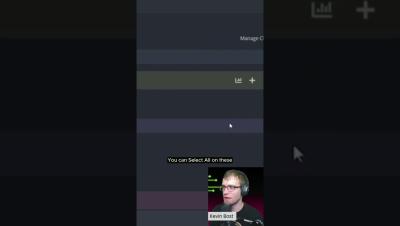
Right-click on the author column and filter to highlight your own commits in seconds.️ Learn about efficient repo management, branch soloing, pull requests and more from GitKraken Ambassador (and power user ) Kevin @Kitokeboo in the full Workshop here on YouTube!
At Mattermost, we’re on a quest to scale our application by one order of magnitude, from tens of thousands to hundreds of thousands of concurrently active users per installation. Scaling up is a complex effort involving expertise at several different levels. At its core, it’s a game of catching the next bottleneck — whether it’s application CPU usage, memory consumption, database throughput, networking, or any combination of the above (among other causes as well).
Looking for an easy way to organize your repos? In the first part of this tutorial, we’ll walk through the steps to easily create a cloud Workspace in GitKraken Desktop – so you can keep your repos neat and tidy, ready to collaborate with your team. Check out the full Create a Workspace tutorial here on our YouTube channel!
In part two, we cover how to create a local Workspace in GitKraken Desktop and keep it synced with your directory – perfect for managing multiple repos right from your machine! Check out the full Create a Workspace tutorial here on YouTube.