Operations | Monitoring | ITSM | DevOps | Cloud

Working With the WordPress REST API

Logging is an important part of every software application. In addition to capturing user activity, well-structured logs can make it easier to debug problems should they occur. But if your application is split up across several different subsystems, collecting and analyzing disparate logs can be a real challenge. Picture this scenario: You work at a startup that uses a CMS managed by a few admins. You also have a standalone front-end application for users to communicate with your platform via an API.

WordPress Error Logs and Activity Logs

Logging is a fundamental part of software development. While an app is being developed, we rely on logging to confirm our inputs and outputs match our expectations. In production, logging can be an invaluable resource for tracking down bugs or measuring how users interact with the app. We can also consider logs as a sort of time-series value, where a timestamp is associated with a user’s specific action. These logs can be structured, gathered, and analyzed to provide teams with more information.

WordPress + GitHub

If you’ve been building client websites for a while, you may remember a time before WordPress. A time when building websites meant creating every HTML page by hand. At some point, you probably decided that there were common features that every customer needed on their site, so you started using one customer’s website as the template for the next. Of course these days, WordPress is the underlying software for many modern websites, and there’s no need to re-invent core functionality.

Boss-Level Log Management for WordPress Site Administrators

WordPress is the most dominant content management system (CMS) in the enterprise website market today. Its open-source nature, thousands of plugins, and wide adoption by commercial hosting providers have bolstered its success. In addition, it’s highly compatible with other website technologies like web servers, database servers, or middleware.

9 WordPress Plugins Every Small Business Owner Should Use

With more than 58,000 WordPress plugins on the WordPress Plugin Directory, it can get quite overwhelming for a small business owner to choose the right WordPress plugins for your websites. Some plugins are best for creating forms, others for SEO purposes, while some are created for securing your site, and so on. This article will help you choose the 9 must-have WordPress plugins for your small business website. You can go through them and choose the best plugin according to your website needs.

Announcing WP Activity Log Integration

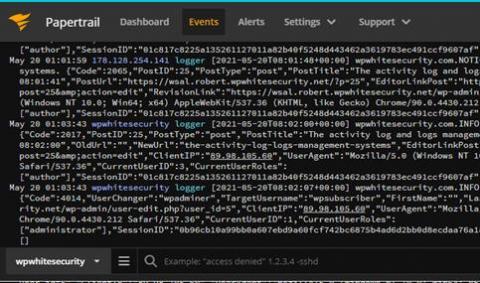
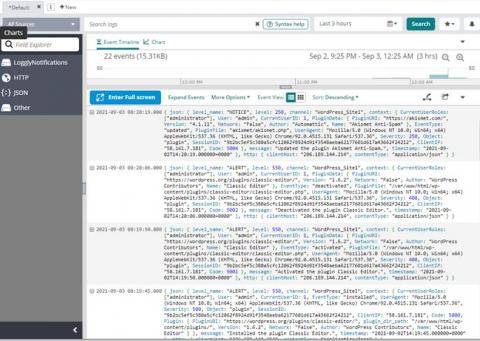
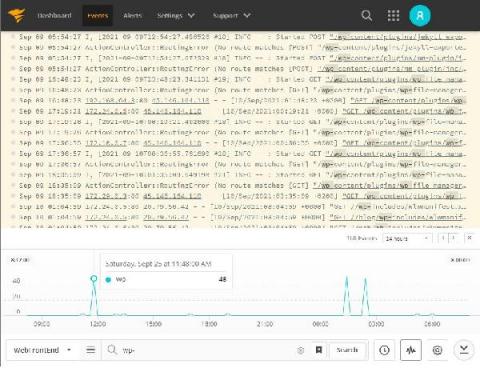
With over 40% of websites powered by WordPress, there’s a good chance you or someone in your company is using it to update content or manage websites. This is why we’re excited to announce an integration with WP Activity Log—a comprehensive WordPress activity log plug-in—and SolarWinds® Papertrail™.

9 Possible Solutions To Fix a 502 Bad Gateway Error on Your WordPress Site

WordPress errors such as 502 bad getaway error frustrate and annoy the website owners and the users and visitors on your website. This is one of the most usual WordPress errors, and others such as the error establishing the database connection or white screen of death also create a lot of performance and other website issues. 502 bad gateway error is especially popular as it affects smaller websites and huge services such as Twitter, Gmail, CloudFlare experience this issue.

Ten Ways to Improve WordPress Page Speed

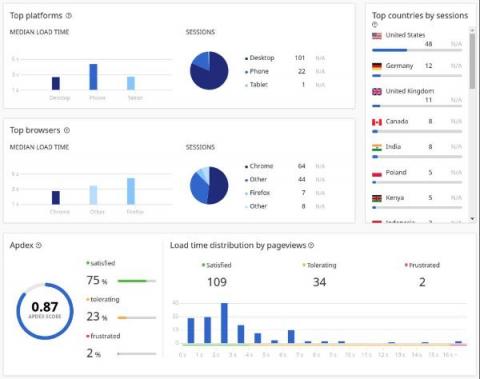
Page Speed is a pretty big deal these days. As of May 2021, Google will start combining Core Web Vitals (how Google measures page speed) with other UX-related signals to rank your page. In other words, Page Speed impacts your SEO. Since Google changed Googlebot's algorithm to highly favour fast, mobile-friendly websites, it has become more important to have a fast website.