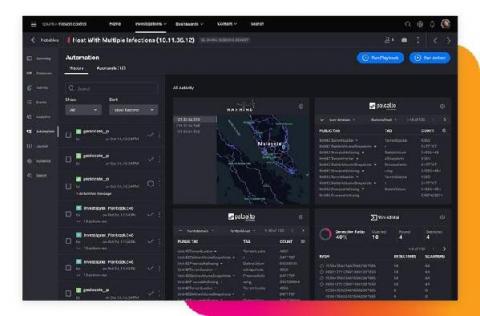
We have a saying at Splunk. It goes something like “if you’re ever having a bad day, go and talk to a customer”. What organizations around the world are doing with their data and Splunk brings a huge smile and an eyebrow raising, positive “can’t quite believe you’ve done that” very-impressed nod of the head. That’s never more true than with our security customers.
For years, security practitioners have kicked and screamed about their reality. There are too many alerts to fully investigate and manually resolve every day. There is a massive talent shortage of qualified security professionals across the globe. Then couple that with analyst burnout and siloed security point-products. All of these factors are preventing security operation centers (SOCs) from operating at their full potential, with increased efficiency, performance and speed.
As organizations increase their cloud footprints, it becomes more and more important to implement access control monitoring for as many resources as possible. In previous playbooks, we have shown examples of AWS and Azure account monitoring, but the series would not be complete without also supporting Google Cloud Platform (GCP).
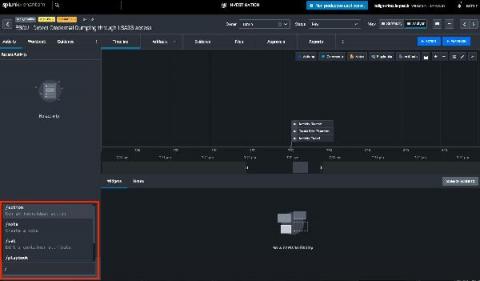
Are you the type of person who loves the command-line? Is tab-complete your friend? Do you move faster on a keyboard than with a mouse? Then Phantom Slash Commands are for you!
If you’re an active Splunk Phantom user, it’s safe to assume you know what a playbook is. If not, here’s a quick summary: Phantom playbooks allow analysts to automate everyday security tasks, without the need for human interaction. Manual security tasks that used to take 30 minutes can now be executed automatically in seconds using a playbook. The result? Increased productivity and efficiency, time saved, and headaches avoided.
When running Splunk Phantom with AWS services, it can be tricky to make sure Splunk Phantom has the right access. When you’re managing multiple AWS accounts, the effort to configure Splunk Phantom’s access to every account can feel insurmountable. Fortunately, Amazon has the Security Token Service to solve this problem with temporary credentials, so we’ve integrated it with Splunk Phantom!