How to set up a basic React app, query data from InfluxDB Cloud and use the queried data to populate results using Apache ECharts.
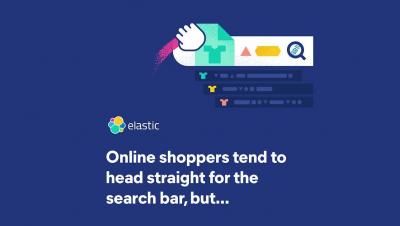
Creating personalized search experiences can be challenging. In this post, we’ll demystify the steps to get started, so you can prioritize search results according to user profiles, offer relevant recommendations, and accelerate workflows. But before we get to that, let’s address why personalized search matters.
One of the significant features announced with InfluxDB IOx is native SQL support. Even if SQL isn’t the lingua franca of the computing world, there are no doubt those that could make a case for it. There seems to be some dialect of SQL in virtually every corner of the internet.
In this article, we'll explore the concepts of variants and SKUs in ecommerce, and how to best handle these when modeling data for your ecommerce search experiences. We're optimizing our models using Elastic Enterprise Search.
Two years ago I announced that InfluxData was working on a new core for InfluxDB, a project we named InfluxDB IOx. InfluxDB IOx is a cloud-native, real-time, columnar database optimized for time series data built in Rust on top of Apache Arrow and DataFusion. Today I’m excited to announce that we deployed our next-generation storage engine that’s built on InfluxDB IOx in our InfluxDB Cloud platform.
Rebuilt and reimagined storage engine built on open source project InfluxDB IOx delivers faster queries, unlimited time series, and introduces SQL for writing queries and BI tool support.
With billions of devices and applications producing time series data every nanosecond, InfluxDB is the leading way to store and analyze this data. With the enormous variety of data sources, InfluxDB provides multiple ways for users to get data into InfluxDB. One of the most common data formats of this data is CSV, comma-separated values. This blog post demonstrates how to take CSV data, translate it into line protocol, and send it to InfluxDB using the InfluxDB CLI and InfluxDB Client libraries.