Operations | Monitoring | ITSM | DevOps | Cloud

Synthetic Monitoring for GraphQL Endpoints: Beyond the Query

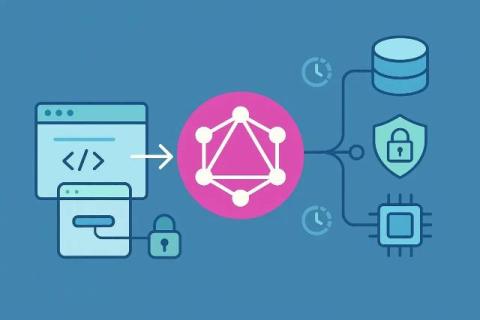
GraphQL isn’t just another API protocol—it’s a new layer of abstraction. It collapsed dozens of REST endpoints into one flexible interface where clients decide what data to fetch and how deep to go. That freedom is a gift for front-end teams and a headache for anyone tasked with reliability. Traditional monitoring doesn’t work here. A REST endpoint can be pinged for uptime.
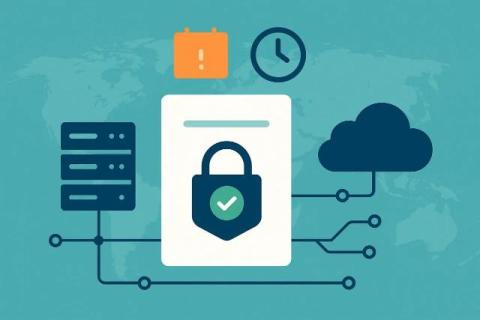
Everything You Need to Know About the SSL Certificate Monitoring

In today’s hyper-connected world, website security is not optional. It is the foundation of the digital trust. Whether you run an e-commerce store, manage a SaaS platform, or operate a corporate platform, your online presence matters a lot. For all this, your online presence depends on the SSL certificates to encrypt sensitive data and authenticate your identity. However, too many organizations treat SSL certificates as a “Set-and-forget” task.

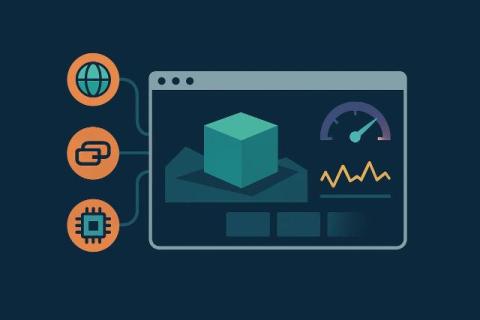
WebGL Application Monitoring: 3D Worlds, Games & Spaces

WebGL has turned the browser into a real-time 3D engine. The same technology behind console-quality games now powers design platforms, architectural walkthroughs, and virtual conference spaces—all without a single plugin. These 3D experiences blur the line between web and desktop, blending high-fidelity rendering with persistent interactivity and complex real-time data streams. But with that complexity comes a new operational challenge: how do you monitor it?

SharePoint Server Monitoring: Uptime, Performance & SLAs

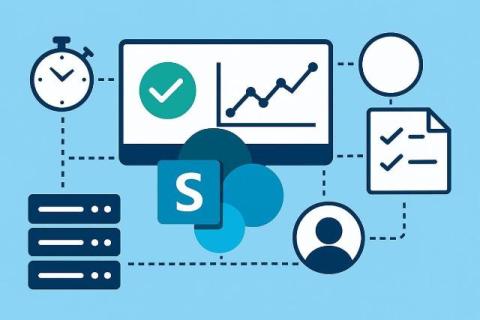
SharePoint is the backbone of internal collaboration for countless organizations. It hosts documents, drives workflows, powers intranets, and underpins team communication across departments. But when it slows down—or worse, goes dark—productivity grinds to a halt. The problem is that most monitoring approaches treat SharePoint like a static website. They check availability, not experience.

Gaming Latency Monitoring: How to Detect & Reduce Lag

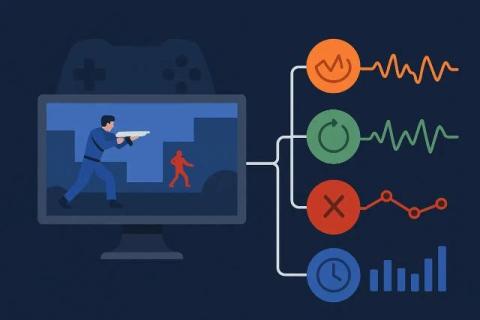
Latency isn’t just a technical metric in gaming—it’s an emotion. Players don’t measure milliseconds, they feel them. A button press that lands a fraction late, a flick shot that fires just off target, a character that rubber-bands at the worst possible time—all of it translates to frustration. In fast-paced multiplayer environments, a 50ms delay can decide outcomes, erode trust, and send players to competitors who seem “smoother.”

The Best Tools for Synthetic & Infrastructure Monitoring-A Comparative Guide

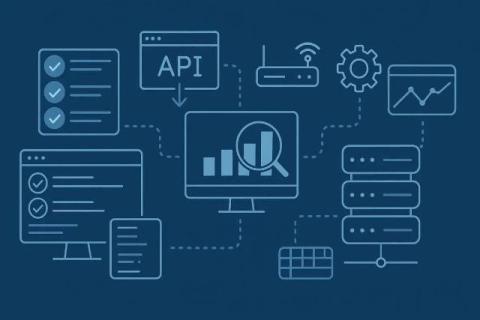
Both user and server-side monitoring are important to make your apps better. Tools that offer monitoring of just one side leave gaps in your diagnosis, causing negative experiences and reliability issues. Here are the top 10 tools you should consider based on their benefits and coverage.

How to Use Synthetic Monitoring in CI/CD Pipelines

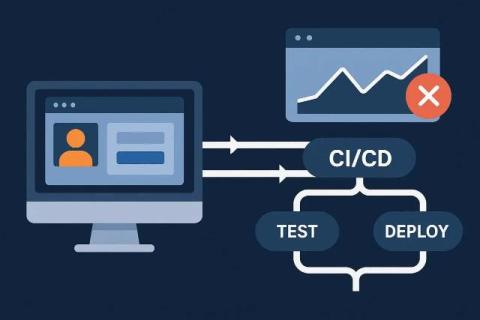
CI/CD pipelines are the heartbeat of modern software delivery. They automate builds, run unit tests, package applications, and deploy them to production with a speed that traditional release cycles could never match. For engineering teams under pressure to move fast, pipelines are the mechanism that makes agility possible.

Synthetic Monitoring from Multiple Locations: Where to Run Tests (and Why It Matters)

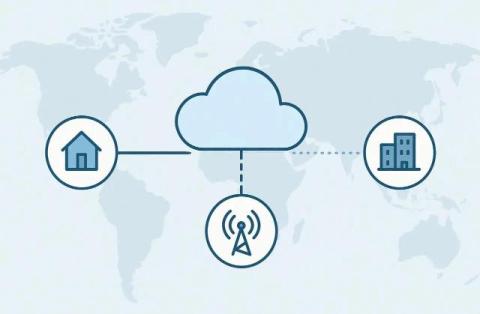
Most organizations think of monitoring as a checkbox: set it up once, confirm that it runs, and move on. If the tool says the website is “up,” then the job is done, right? Not quite. The truth is that where you run synthetic monitoring tests from can be just as important as the tests themselves. Synthetic monitoring works by simulating user actions from pre-defined probes or agents. Those probes might live in a cloud data center, a mobile network, or even inside a corporate office.

Synthetic Monitoring Frequency: Best Practices & Examples

Synthetic monitoring is, at its core, about visibility. It’s the practice of probing your systems from the outside to see what a user would see. But there’s a hidden parameter that determines whether those probes actually deliver value: frequency. How often you run checks is more than a technical configuration—it’s a strategic choice that ripples through detection speed, operational noise, and even your team’s credibility.

Website Monitoring by Error Type: DNS, TCP, TLS, and HTTP

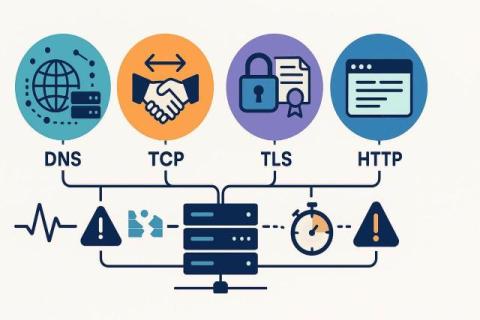
When a website goes down, the failure often feels like a black box. Visitors see a spinning wheel, a cryptic error code, or a blank page. For the people responsible for keeping that site online, the first question is always the same: what broke? The truth is that there is no single way a website “goes down.” Instead, a request from a browser passes through multiple steps—DNS resolution, TCP connection, TLS negotiation, and HTTP response. Each step depends on the ones before it.