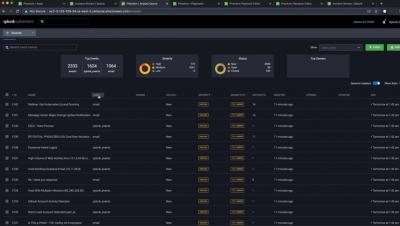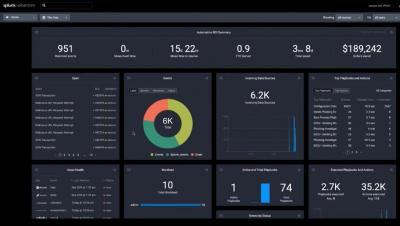
Some tasks are better off automated. Paying bills on time? Automated payments. Orchestrating a coordinated response to security alerts and triaging security events? There’s Splunk Phantom for that. Monotonous tasks, in our work and personal lives, should and can be automated in order to free up time and energy to focus on the things that matter.
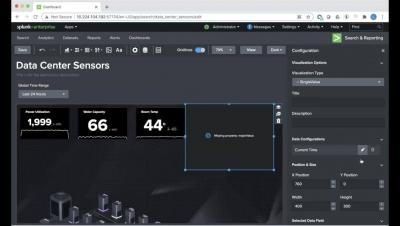
Ever been stuck, trying to figure out how to craft a search to answer your question? Splunk is providing guidance right at your fingertips to help you meet your company's objectives, accomplish your end-to-end use cases, and get value out of your Data-to-Everything Platform investment.
With the Defense Department’s quick and successful pivot to a remote workforce last Spring via its Commercial Virtual Remote (CVR) environment, it proved that the future to fully operate from anywhere in the world is now. Gone are the days of thousands of civilian employees heading into the Pentagon or other installations everyday. However, with this new disparate workforce comes increased risks for network security. As my colleague Bill Wright expertly noted last Summer.
Welcome to part 2 of our blog series, where we go through how to forward container logs from Amazon ECS and Fargate to Splunk. In part 1, "Splunking AWS ECS Part 1: Setting Up AWS And Splunk," we focused on understanding what ECS and Fargate are, along with how to get AWS and Splunk ready for log routing to Splunk’s Data-to-Everything platform.
The sheer number of cyberattacks launched against organizations every year is massive and growing. If you’re a security analyst working in a SOC or security team, tasked with defending your organization, that means you’re getting bombarded by many more attacks than the recorded numbers above would suggest. These attacks translate into security alerts — fired from your various security tools — that you must investigate and resolve.