Operations | Monitoring | ITSM | DevOps | Cloud

SharePoint Preservation Hold Library: Hidden Cost Trap

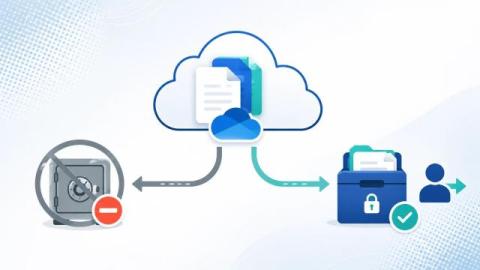
Most executives assume that moving to Microsoft 365 simplifies cost control. Storage is “in the cloud”, usage is elastic, and governance is handled through policy. In reality, many organisations face a very different experience. They invest heavily in retention policies to meet legal and regulatory requirements, yet their SharePoint storage costs continue to rise year after year, even after large cleanup programs.

SharePoint Storage Limit Warning

When your Microsoft 365 tenant reaches the SharePoint storage limit, the impact is immediate. File uploads start failing, Teams sites stop provisioning, indexing slows down, and storage overage charges begin applying automatically. For organisations storing large volumes of documents, drawings, media files, or project data, hitting the SharePoint capacity threshold can become a recurring and expensive problem—especially when underlying retention policies prevent deletion.

Mastering the User Off-Boarding Process

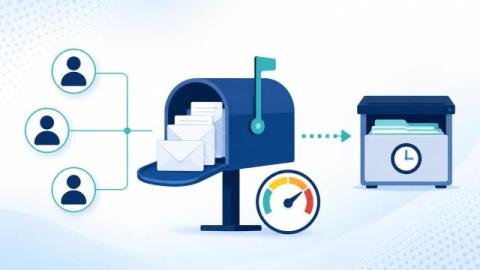
When someone leaves your organisation — whether they resign, retire, or are let go — it’s easy to think the hard work is over. But the moment an employee’s last day arrives, a new risk window opens. If their access isn’t revoked properly or their data isn’t captured, organisations face security breaches, data loss, compliance issues, and rising costs. This is why a well-designed user off-boarding process is just as important as onboarding.

SharePoint Archiving Best Practices for Compliance

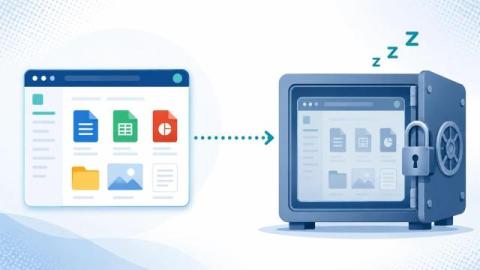
SharePoint Online has become the backbone of document management for many organizations. From project files to legal contracts, HR records to financial reports, it holds critical business data that grows relentlessly. But as usage increases, so do two unavoidable challenges: The dilemma? Simply deleting files may reduce storage bills, but it risks non-compliance. Retention policies may satisfy regulators, but they don’t stop your storage from exploding in cost.

Stop paying for Microsoft 365 licenses

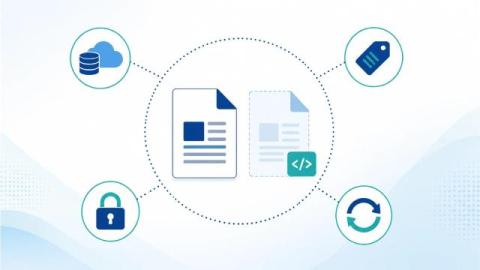
When someone leaves your company, the natural step is to disable their Microsoft 365 account. But what many businesses don’t realize is that they often continue paying for that user’s license — just to retain access to their OneDrive files, Teams chats, and emails. Over time, this adds up to thousands in unnecessary costs. In this article, we’ll explain.