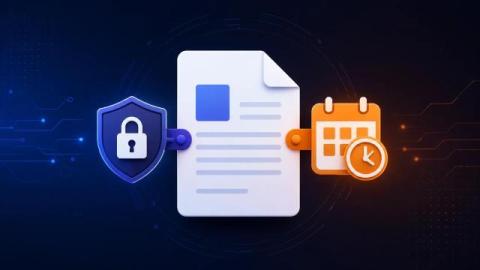
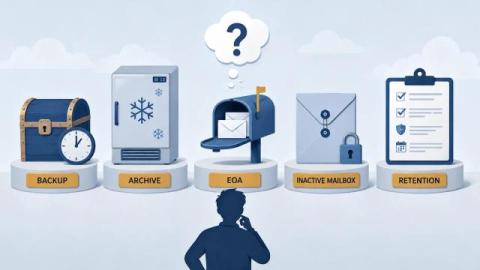
Retention policies apply to locations. Retention labels apply to items. Both live in Microsoft Purview, both retain content, and admins regularly use the wrong one. What each actually does and when to use which.
Sensitivity vs retention labels in SharePoint - what each actually does, when to use which, the audit failure modes when admins confuse them, and what survives when content is archived.
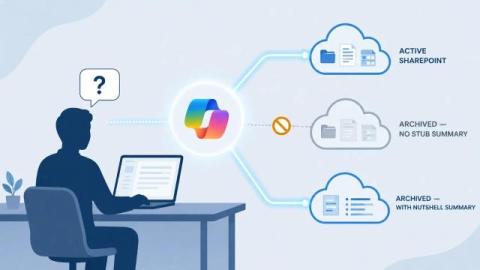
Microsoft Copilot cannot see archived SharePoint content in either Microsoft 365 Archive or standard third-party archives. Here's why - and how to close the gap.
Audit OneDrive and SharePoint Online sites over their licensed storage quota with PowerShell - useful for MC1310684 remediation and routine storage management.
From July 2026 Microsoft will put OneDrive users over their licensed quota into read-only state. What MC1310684 means and how to prepare before the cutover.
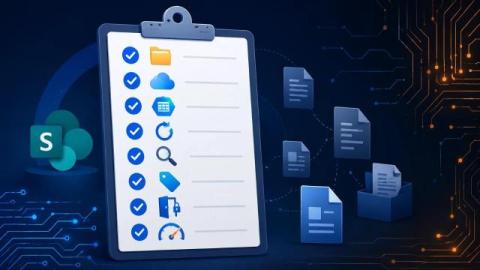
What is SharePoint document lifecycle? A guide to the stages a SharePoint document moves through, the Microsoft Purview tools that manage each stage, and where Squirrel handles the archive tier.
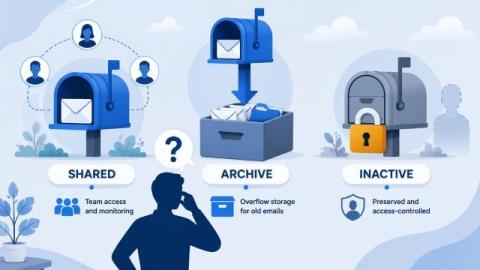
What is Exchange Online Archiving? Microsoft's EOA gives users an in-place archive mailbox - here's what it costs, what it covers, and where it leaves gaps.