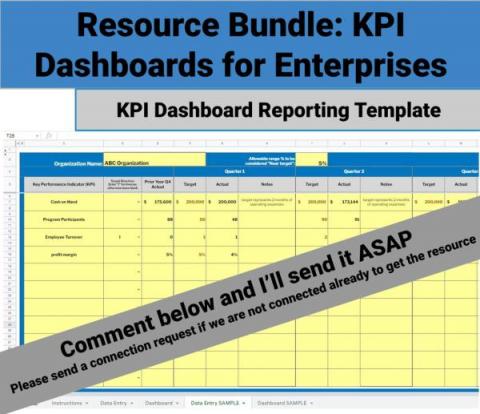
Key Performance Indicators (KPIs) are measurable metrics that track a company’s performance against its key business objectives. And they are important for a variety of reasons.
One of the great features of the InfluxData cloud platform is that it comes out of the box with all the tools you need to quickly read and write your data to the database. Here, we’ll walk through creating data visualizations with InfluxDB and plotly.js, a JavaScript graphing library built on top of d3.js and stack.gl.
Once you have set up your Prometheus data sources in Grafana, it’s time to put them to work. In the one-minute tutorial video below, we show you how to build a query in Grafana 8.3 with Grafana’s easy-to-use Explore mode. Prometheus uses a query language called PromQL. If you are already familiar with PromQL, you can simply enter your query in the text field and run the query.
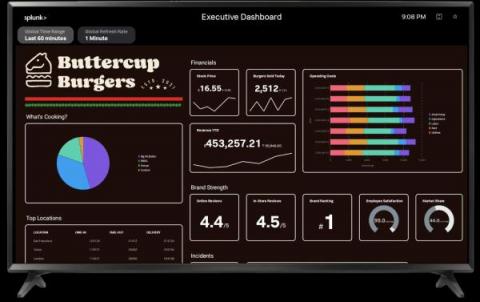
Splunk TV lets you easily display your data on the big screen to visualize and monitor what’s going on in your business. Splunk TV is optimized for a hands-off experience, with slideshows and automatic scrolling so you can display the most important metrics securely and easily. We’re happy to announce that in addition to Classic (Simple XML) dashboards, we now support Studio Dashboards and IT Service Intelligence Glass Tables.