Operations | Monitoring | ITSM | DevOps | Cloud

Incident Template Library

We recently announced a new feature to enhance how you communicate with your users during maintenance, incidents, and general service updates. Status Page Templates allows you to save and re-use status updates - but how do you know what incidents might happen or what updates you need to keep users informed about until it's too late? We have put together a library of ready-to-use templates designed to keep your users informed with clear, concise and consistent messaging.

Update to Microsoft Teams Notifications

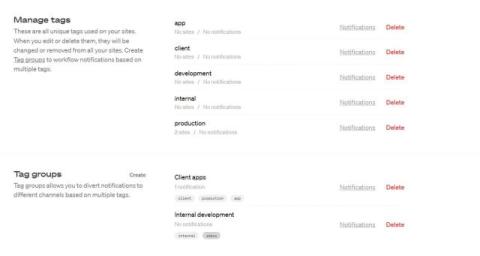
Oh Dear offers several ways to keep you updated on important events like downtime, performance and DNS changes, broken links, Lighthouse issues, and more. By default, you will get email notifications to the email address you used to sign up. But you can also choose to receive alerts to your preferred platform. A popular choice for many of our users is Microsoft Teams.

Sitemap monitoring is now available at Oh Dear

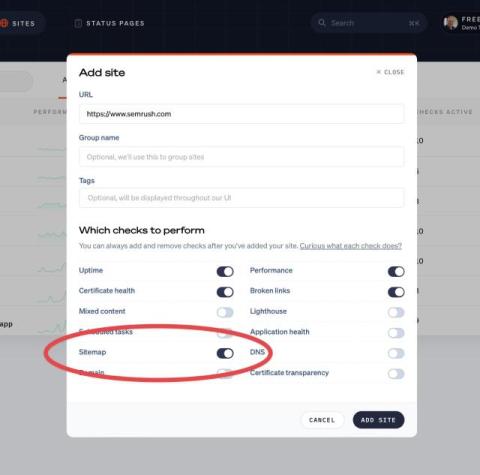
Oh Dear can perform many checks: uptime, broken links, scheduled jobs, DNS, and much more. We proud to announce that we’ve added a new check: sitemap monitoring. This check will make sure that the structure of your sitemap is correct. We’ll also check if each and every link it links to a page that returns a correct response. Whenever we detect a problem, you’ll be notified via one of our many supported notification channels.

Improving our broken link tests

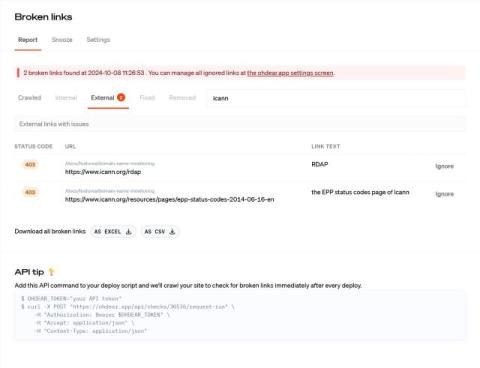
One of the most unique features Oh Dear offers is the broken links and mixed content crawler. We will crawl your site for all links, reporting any broken pages to your defined notification channels. Recently, we encountered degraded performance with our crawler service due to a breaking change in an underlying library called Guzzle. This caused HTTP 505 responses on the first page of each site, blocking further crawling and resulting in false positive reports.

You can now manage notification preferences via our API

Our service can detect various problems with your website: whenever it is down, or a broken link is detected, your cron job isn't running on time, and much much more. Whenever we see a problem we can notify you via email, Slack, webhooks, and various other channels. Up until now, you could configure these notification channels in our UI, but now you can do this via our API as wel.

Every second counts in our UI

Downtime has always been shown in minutes, hours, and days but for shorter downtimes you would see "0m" even if the actual downtime was less than a minute. We've updated the UI to show downtime in seconds. This means no more manually calculating brief outages — you’ll see exactly how long the system was down :) Did you know you can add notes to downtime periods?