Operations | Monitoring | ITSM | DevOps | Cloud

InfluxDB's Checks and Notifications System

InfluxDB 2.0’s Checks and Notifications system is likely the most powerful and flexible system available for creating alerts based on time series data. To get the most out of the system, it is helpful to understand the different pieces and how they fit together. After reading this article, you should be able to create precise alerting using the InfluxDB 2.0 User Interface (UI), as well as be able to extend and customize the system to suit your specific needs.

InfluxData releases InfluxDB Notebooks to enhance collaboration for teams working with time series data

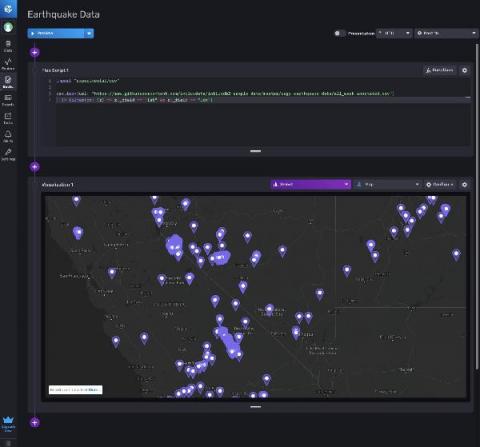
SAN FRANCISCO — April 14, 2021 — InfluxData, creator of the leading time series database InfluxDB, today announced the general availability of InfluxDB Notebooks, a new capability that improves communication for software development teams, ultimately enhancing productivity within InfluxDB Cloud. InfluxDB Notebooks is the first of the company’s new capabilities designed to make it easier for developers to collaborate around time series data within the platform.

TL;DR InfluxDB Tech Tips: Configuring a Slack Notification with InfluxDB

With InfluxDB you can create notifications to make the most out of your alerts. Notifications enable you to send check statuses to the endpoint of your choice. In this TL;DR we set up a Slack Notification Rule and Endpoint through the InfluxDB UI.

How to Take Data Stored in InfluxDB Cloud 2 and Use It in a "Switch" Node within Node-Red

This video shows you how to take data that is stored in InfluxDB Cloud 2 and use it in a "Switch" node within Node-Red. In our example, we read the average house temperature and decide whether or not the heating should be switched on.

Time Series Meetup: Monitoring Your ISP Using InfluxDB Cloud and Raspberry Pi

Virtual Time Series Meetups are events for everyone who is passionate or curious about time series data and how it can be used. In the April 2021 edition, Mirko D. Comparetti shares how he use InfluxDB to monitoring his internet service provider.

How to Take Data Stored in InfluxDB Cloud 2 and Use It in a "Switch" Node within Node-Red

This video shows you how to take data that is stored in InfluxDB Cloud 2 and use it in a "Switch" node within Node-Red. In our example, we read the average house temperature and decide whether or not the heating should be switched on.

Resource Roundup: Getting Started with InfluxDB Cloud on Google Cloud

Are you looking to get started with InfluxDB on Google Cloud? We’ve pulled together our top resources to help you get the most out of your time series data whether that’s coming from your Google Cloud infrastructure or your own application. Read how customers like Wayfair and Vera C. Rubin Observatory use InfluxDB on Google Cloud to solve their time series data collection and processing challenges to power their multifaceted, complex real-world use cases.