As part of a modern software development team, you’re asked to do a lot. You’re supposed to build faster, release more frequently, crush bugs, and integrate testing suites along the way. You’re supposed to implement and practice a strong DevOps culture, read entire novels about SRE best practices, go agile, or add a bunch of Scrum ceremonies to everyone’s calendar.
StatsD is an industry-standard technology stack for monitoring applications and instrumenting any piece of software to deliver custom metrics. The StatsD architecture is based on delivering the metrics via UDP packets from any application to a central statsD server. Although the original StatsD server was written in Node.js, there are many implementations today, with Netdata being one of them.
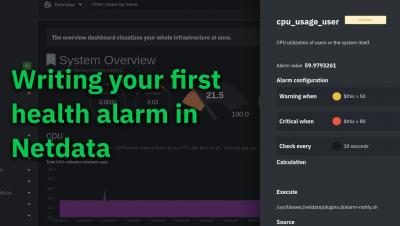
Think about any sport or competitive activity, whether that’s football or a spelling bee. They always feature at least one person who acts as a moderator, referee, or judge. With their domain expertise, this person watches everyone’s behavior and constantly compares that against a set of rules. If someone crosses that threshold, they blow a whistle or throw up a flag. They are, in effect, saying that things have gone from OK to not OK.
If you’re a veteran in this space, you probably understand the many incident response metrics and concepts, along with the many (at times exasperating) acronyms. For those new to the space, or even those with years of experience, the terminology is often overwhelming. If you’re one of those people who’s struggling to navigate through the world of DevOps metrics, we’ve created this article for you.
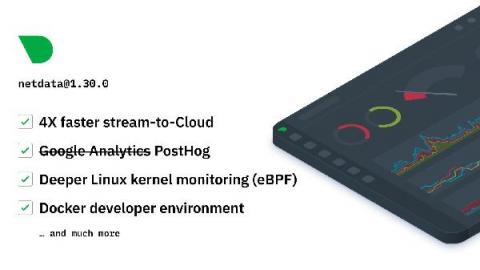
Looking back at the unprecedented challenges we faced together in 2020, we’d like to extend our thanks to the community of people who have continued to work towards Netdata’s mission of simplifying monitoring and troubleshooting for everyone. Let’s review some of this year’s highlights.
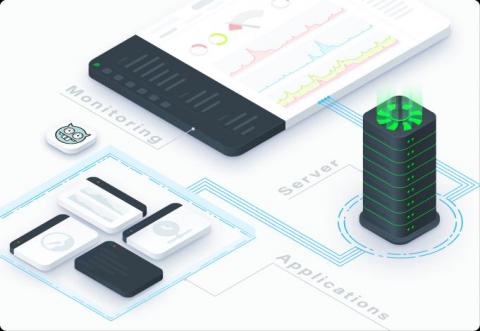
Netdata is architected on every level, across both the open-source Netdata Agent and Netdata Cloud, to help you own every layer of your monitoring experience. With this design, all metrics data collected by the Netdata Agent stays distributed on your node, but you also leverage Netdata Cloud’s dashboards and multi-node visualizations to view the health and performance of an entire infrastructure from a single application.
Teams of all types use Netdata to monitor the health of their nodes with preconfigured alarms and real-time interactive visualizations, and when incidents happen, they troubleshoot issues with thousands of per-second metrics on Netdata Cloud. But based on the complexity of the team and the infrastructure they monitor, some parts of their incident management, such as pre-planned communication and escalation processes, or even automated remediation, need to happen outside of the Netdata ecosystem.