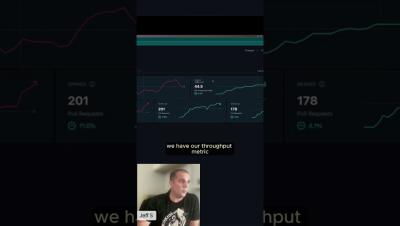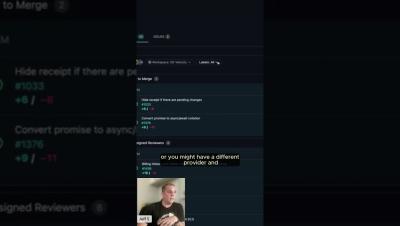
You’ve got merge conflicts? No problem. Missing reviewers? Easily spotted. CI fails? Clear as day. Launchpad in GitKraken Desktop keeps things front and center, ready for action.
This GitKraken Workshop walks through how you can use GitKraken’s Launchpad to manage and prioritize your daily tasks. See how three different team members enhance their collaboration using features like Launchpad and CodeSuggest to keep their projects moving smoothly. Whether you’re a developer or a team lead, discover how you can improve your coding flows and boost your team's productivity!
Unleash your inner artist in the latest GitKraken Desktop update with color-coded repo management! Plus, you can move things around in an order that makes the most sense for you. We've got more Git goodness where that came from in the full release notes.
There are main ways to create a pull request in GitKraken Desktop – drag-and-drop and the left panel. Drag-and-drop even autofills your PR form, including assignees and labels.
When merge conflicts arise, don't panic! GitKraken's Merge Conflict tool makes handling those dreaded conflicts a breeze. Quickly compare branches, select changes, and customize lines to fit your needs.
Learn how to create a pull request in GitKraken Desktop! From utilizing the GUI's drag-and-drop functionality to integrating with GitHub, GitLab, and Bitbucket, this comprehensive guide has everything you need to collaborate effectively with your team, manage your repositories, and simplify your development process.
Discover an easier way to review code changes with Code Suggestions! Now, you can approve commits and suggest changes without being limited to specific lines of code. Or, maybe you need quick feedback on WIPs? Cloud Patches let you share your work with your team at any stage of the development process. Collaborate smoothly, get early input, and keep your repos neat and organized.
Losing track of project updates? Launchpad unifies your Cloud Patches, Workspaces, and team statuses, all in one place. With GitKraken.dev, you can manage PRs and track issues directly from your browser to keep your workflow smooth and efficient!
Discover how to define your upstream branch in our latest GitKraken Desktop tutorial. Whether you're pushing your local branch to a different remote or managing multiple repositories, we'll show you step-by-step how to configure your upstream settings for a seamless workflow. Timestamps.
Need to push your changes to different remotes in GitKraken Desktop? Learn how to set the upstream for your branches, choose the right remote, and ensure your changes are pushed exactly where you need them!