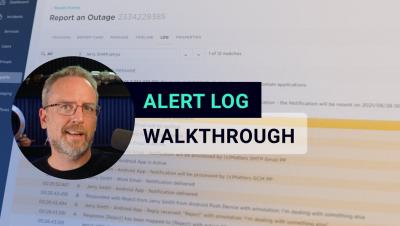
The xMatters alert log is a time-stamped list of all system messages that went out during an event. This can be used for auditing purposes or to help improve your incident resolution processes.
'Send Alert' is a sample message form used to show how xMatters can help automate your communication processes. You can use this form to send targeted notifications to users, define how xMatters handle their responses, and determine how those responses affect your notification flow. Follow us on social!
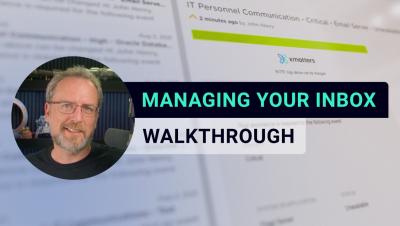
Your xMatters inbox is more than just a message center — it’s a centralized location for all your communications, past and present, and an alternate way to respond to notifications if a device is unavailable.
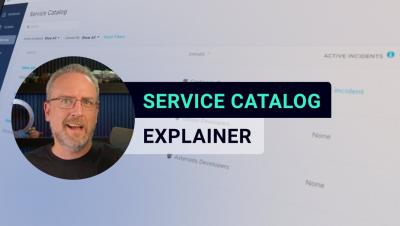
The Service Catalog lets you add and define your services to match your organization's infrastructure and architecture and then assign a group to take ownership of each service. This makes sure that when you identify the service at the root cause of an incident, there's no question about exactly who is responsible for that service.
Creating flows with xMatters low-code workflow builder, Flow Designer is simple. To execute a flow you need two things: A trigger and at least one step. The trigger will initiate the flow, and the step will perform an action. However, flows can get as large and complex as your incident process requires and can be used to automate and add intelligence to your resolution processes.
If you can't find a workflow template in xMatters—no problem! You can easily design your own workflow from scratch. With a custom workflow, you can completely customize your incident resolution process by building your own forms, properties, messages, and responses.
xMatters low-code workflow builder, Flow Designer, lets you build and execute multi-step processes simply by dragging, dropping, and connecting steps. Steps perform an action in your resolution process. That action could be enriching data from an external tool, creating a ticket in a service desk, or sending an actionable notification. The possibilities are endless.
OAuth is an open standard system that uses tokens to grant access to systems or information without using a password. OAuth authentication authorizes requests to the xMatters Rest API by passing a token in the header of your requests. This means you don’t have to store user names or passwords in your applications, keeping your user’s information secure.
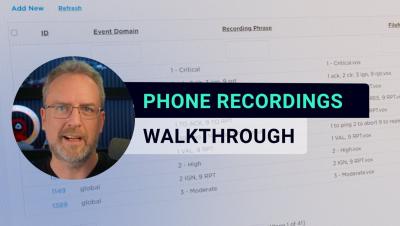
xMatters has hundreds of pre-recorded phrases as well as a text-to-speech engine to communicate with users using voice devices. But you can use the Phone Recordings page to edit and record your own phone recordings to use with your voice communications.