Operations | Monitoring | ITSM | DevOps | Cloud

5 Tips To Make Google Fonts Faster

Google Fonts is a fantastic tool for web designers and developers, but it is sometimes one of the slowest resources on your website. It’s frustrating and ironic that Google’s own font service is the long pole in so many web performance reports, but it doesn’t have to be! Here’s 5 ways to supercharge your install of Google Fonts to make it download less, load faster, and reduce layout shifts of your website.


Using Brotli Compression in NGINX

Brotli is gaining steam as the compression algorithm du jour for high performance websites. Created back in 2013 by Google to decrease the size of WOFF files, Brotli was standardized in 2016 as part of RFC 7932. The sales pitch for Brotli is better compression than Gzip - with similar CPU usage. Better compression leads to faster performance, but how much better is it?

Synthetic Testing and Real User Monitoring

Synthetic Testing and Real User Monitoring are the most important tools in your performance toolbox. But they do different things and are useful at different times and many developers only spend time mastering one of these tools and only see a part of their performance problems, like trying to hammer in a screw. Let’s look at these tools, what they measure, and when to use them.

Observable Web Applications

Users don’t see your distributed services, cloud architecture, or instrumentation—they only see how the web app is working. Understanding their experience in the client-side is the first step towards understanding the rest of the system. We’ll explore how to make your client-side applications more observable through error tracking, web performance, and usage analytics. With better understanding of real-user experience, you’ll better understand the real behavior of your systems.

Request Metrics Released! What We Got Right.

It's been a long time since we produced a new Request Metrics video and we wanted to give an update! Things have been going well and the product is out there! We made some good choices. Some not so good choices. And we've made many enhancements since launch. Watch Part 1 of our Request Metrics Released series to see how things are going, and what we did right!

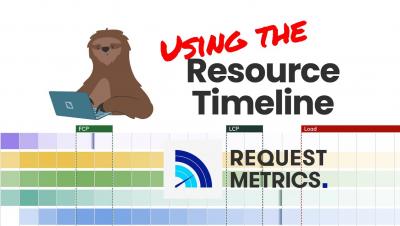
Using the Resource Timeline in Request Metrics

The Resource Timeline in Request Metrics is a heat map of all the files requested by your pages. It shows the range of resource load time and critical load events experienced by all users, not just a single point load. The data allows you to see which resources impact your page metrics as well as the variability in their load time.