Operations | Monitoring | ITSM | DevOps | Cloud

How to connect Microsoft Teams with OneUptime.

OneUptime is a comprehensive solution for monitoring and managing your online services. Whether you need to check the availability of your website, dashboard, API, or any other online resource, OneUptime can alert your team when downtime happens and keep your customers informed with a status page. OneUptime also helps you handle incidents, set up on-call rotations, run tests, secure your services, analyze logs, track performance, and debug errors.

How Team Permissions work in OneUptime?

Welcome to our tutorial on Team Permissions in OneUptime! In this video, we’ll guide you through the process of managing permissions for your OneUptime team. OneUptime offers a comprehensive solution for monitoring and managing your online services. A crucial part of this management is understanding and effectively using Team Permissions. If you do not have permissions to make a request, a 4xx status will be sent as a response.

How to use Monitor Secrets to store API Keys and Bearer Tokens with OneUptime?

Welcome to our latest tutorial on OneUptime! In this video, we'll be exploring how to use Monitor Secrets to securely store your API Keys and Bearer Tokens. **Monitor Secrets** is a feature of OneUptime that allows you to securely store sensitive information like API keys and Bearer Tokens. This ensures that your critical data is kept safe while still being readily accessible for your monitoring needs.

How to create synthetic monitors in OneUptime?

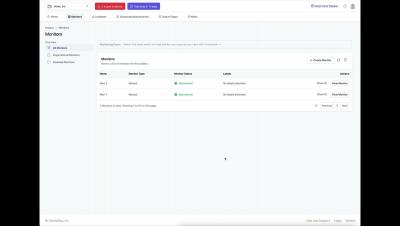
In this video, we will guide you through the step-by-step process of creating synthetic monitors using OneUptime. Synthetic monitoring is a method to monitor your applications by simulating user behavior. It’s an essential tool for ensuring optimal performance and high availability of your web applications.

Installing OneUptime with Kubernetes - A Step-by-Step Guide

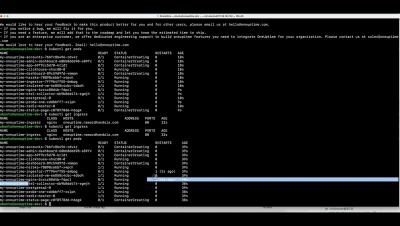
Welcome to our comprehensive step-by-step guide on OneUptime with Kubernetes! In this tutorial, we will walk you through the process of deploying and managing your applications using OneUptime in a Kubernetes environment. Whether you're a beginner just getting started with Kubernetes, or an experienced developer looking to optimize your workflow, this guide is designed to help you understand and harness the power of OneUptime with Kubernetes.

Install OneUptime with Docker Compose

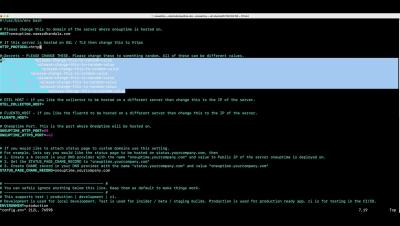
Welcome to our step-by-step tutorial on how to install OneUptime using Docker Compose! In this video, we'll guide you through the entire process of setting up OneUptime on your system using Docker Compose. OneUptime is a powerful tool that helps you monitor your websites and services, ensuring they're always up and running.

Setup SSO with Azure Entra ID and OneUptime

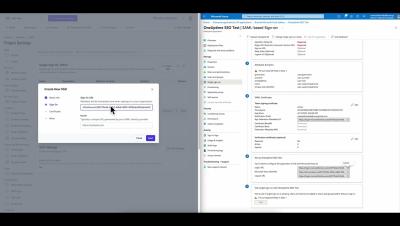
In this informative and easy-to-follow tutorial, we walk you through the process of setting up Single Sign-On (SSO) with Azure Entra ID and OneUptime. We guide you step-by-step on how to enable SSO for an enterprise application that you’ve added to your Microsoft Entra tenant. We cover everything from signing in to the Microsoft Entra admin center as a Cloud Application Administrator, to configuring SSO in the tenant and the application.

How to create an on-call policy and rotation in OneUptime?

In this tutorial video, we walk you through the process of creating an on-call policy and rotation in OneUptime. We start by explaining what an on-call policy is and why it’s crucial for your organization. We then guide you step-by-step on how to set up a policy, including defining the policy name, setting the escalation rules, and adding users to the policy. Next, we delve into creating a rotation for the policy. We explain how to set the rotation length, start time, and participants. We also show you how to handle holidays and time-off requests within the rotation.