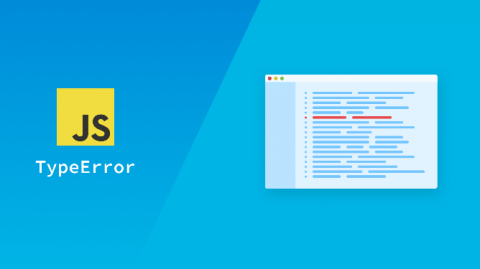
Handling errors properly is essential in building a robust application in Angular. Error handlers provide an opportunity to present friendly information to the user and collect important data for development. In today's age of advanced front-end websites, it's more important than ever to have an effective client-side solution for error handling.
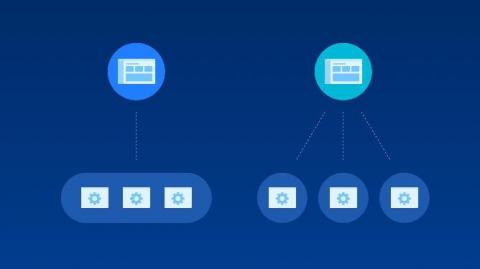
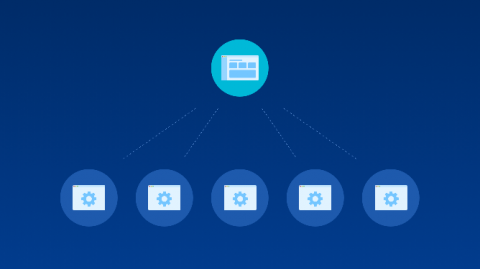
Transitioning from a Monolith to a Microservices architecture can take years to complete. The internet is full of stories of companies famously making this transformation. But how do you know if it’s right for your organization? Is your organization ready? In this article, we will look at five questions you can ask to see if you’ll benefit from a Microservices architecture. We’ll also discuss five challenges you will face during this transformation.
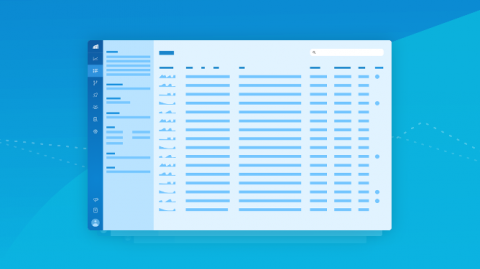
When we first built Rollbar, microservice architectures and continuous delivery practices weren't as common as they are today. Over time, we saw how our customers were setting up different projects for each code repository. As a complex distributed architecture becomes the norm, we want to make sure our core user experience reflects this new normal. Today, we’re introducing the new Rollbar user experience. We hope you like it as much as we have enjoyed building it for you!
We're very exited to bring all the error monitoring and debugging capabilities of Rollbar to Salesforce Apex applications. According to Salesforce, millions of developers and thousands of independent software vendors develop customized applications using Apex to extend the fuctionality of Salesforce. A few months ago, when some of our customers reached out and asked us for an error monitoring solution for their Salesforce Apex developers, our engineering team jumped on the task.
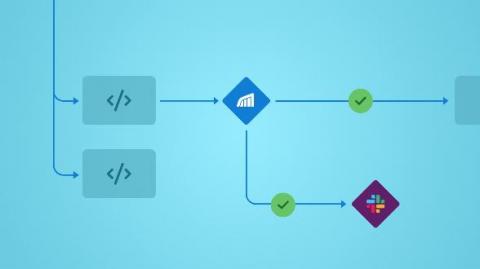
Traditionally, Quality Assurance (QA) has been a very manual process. Our QA teams do an amazing job running through test plans, finding critical bugs, and logging reports. But it can be a lot of work to run through the tests again and again, dig into the errors to provide the contextual information developers need to fix bugs quickly, and prepare the reports your developers need to find and fix errors in the codebase.
We sat down with Rollbar CTO, Cory Virok, for a Q&A on how his leadership role and industry expertise helped create an enterprise solution for today’s modern software company.
What’s better than an SDK that supports iOS? One that also supports macOS! With the latest version of rollbar-ios (v1.8.1), Rollbar now supports crash monitoring for macOS. You can use Rollbar to monitor, triage, and debug crashes and errors on both iOS and macOS. What else, you ask? We’re excited about some significant improvements for both iOS and macOS. Read on for the details. Real-time crash monitoring & debugging for macOS
In this tutorial, you will be introduced to errors tracking in Angular 7 using the errorHandler class and Rollbar. This is the last part of the Angular 7 error handling series, you can refer to the first part here, and the second part here. In this series, you have been introduced earlier to handling client side errors and then HTTP errors gracefully in Angular 7 with tools like errorHandlers, Interceptors and even RxJS operators.