Operations | Monitoring | ITSM | DevOps | Cloud

Transforming Your Telemetry Has Never Been Easier

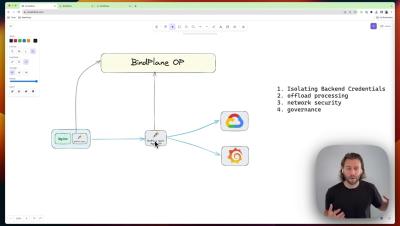
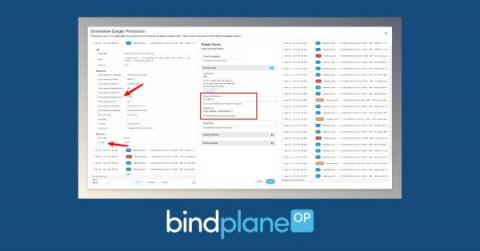
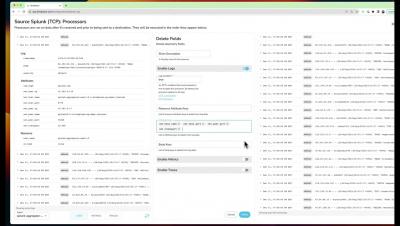
As the foundation of your observability stack, BindPlane OP provides great visibility into your telemetry data, all the way from collection to its final destination. With the introduction of Live Preview in BPOP Enterprise, and a brand new processor workflow, we’ve now made this even better.

Integrating BindPlane Into Your Splunk Environment

Splunk is a popular logging, and in the case of Splunk Cloud also metrics, platform. The BindPlane Agent is capable of integrating with Splunk; both for incoming telemetry to a Splunk Indexer and outgoing telemetry from a Splunk Forwarder. By integrating in this manner, telemetry not natively supported by Splunk can be sent in; and going the other way the telemetry can be sent to other platforms.

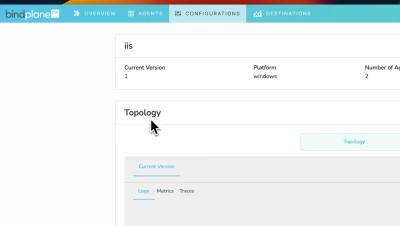
Configuration Management in BindPlane OP

Managing configuration changes within BindPlane OP is a straightforward process when using the newly introduced Rollouts features to deploy your changes. Rollouts provides a user-friendly platform for tweaking configurations, staging modifications, and implementing them across your agent fleet only when you’re satisfied with the changes.

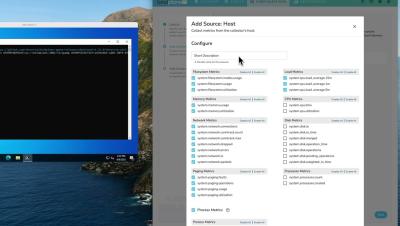
Short Descriptions in BindPlane OP

An easy way to write a short description to distinguish between different file types, fields, etc. About ObservIQ: observIQ is developing the unified telemetry platform: a fast, powerful and intuitive next-generation platform built for the modern observability team. Rooted in OpenTelemetry, our platform is designed to help teams reduce, simplify, and standardize their observability data.

Rename Fields in BindPlane OP

In this video, learn how to standardize your telemetry using the rename processor in BindPlane OP.#telemetry #observability About ObservIQ: observIQ is developing the unified telemetry platform: a fast, powerful and intuitive next-generation platform built for the modern observability team. Rooted in OpenTelemetry, our platform is designed to help teams reduce, simplify, and standardize their observability data.

A Step-by-Step Guide to Standardizing Telemetry with the BindPlane Observability Pipeline

Adding additional attributes to your telemetry not only provides valuable context to your observability pipeline but also enhances the flexibility and precision of your data operations. Consider, for example, the need to route data from specific geographical locations, like the EU, to a designated destination. With a ‘Location’ attribute added to your logs, you can seamlessly achieve this.