Operations | Monitoring | ITSM | DevOps | Cloud

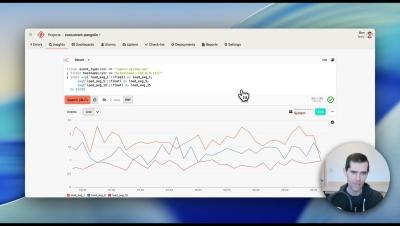
Honeybadger Insights Parameterized Queries

Make your Honeybadger Insights dashboards and queries dynamic with parameterized queries. In this short walkthrough, we'll take a static system dashboard — showing load average, memory, and disk usage across a fleet of hosts — and turn it into an interactive view you can filter to a single host with one click. What you'll see: Parameterized queries are a simple way to build one dashboard that serves many views — no duplication, no extra widgets, just a shareable URL.
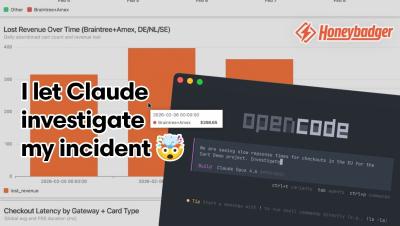

I let Claude investigate a production incident with Honeybadger's MCP server

In this demo, Kevin shows how you can use Honeybadger's MCP server with Claude to investigate a production incident — going from a natural language prompt to a complete incident dashboard in minutes. Honeybadger is an application health monitoring platform that helps developers catch errors, track performance, and stay on top of incidents. The MCP server lets AI assistants like Claude query your Honeybadger data directly, so you can investigate issues conversationally without digging through dashboards manually.

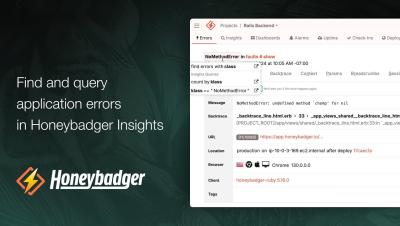
Find and query application errors in Honeybadger Insights

Join Honeybadger cofounder Ben Curtis as he uses Honeybadger to find and query for application errors in Honeybadger Insights. Honeybadger Insights is a new full-stack logging, observability, and performance monitoring tool from Honeybadger.io. Gain insights into your errors, application logs, and other event streams with a powerful query language and ready-made dashboards.