Operations | Monitoring | ITSM | DevOps | Cloud

Why Runtime Visualization Is the Missing Link in Teaching Real-Time Systems

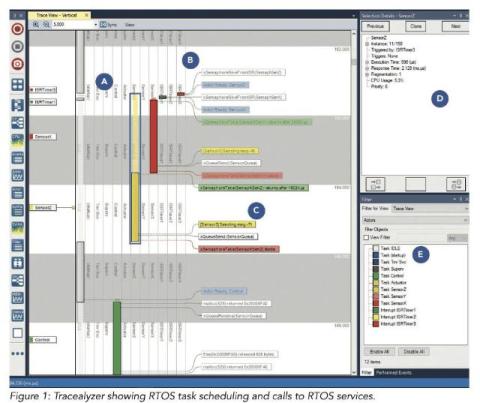
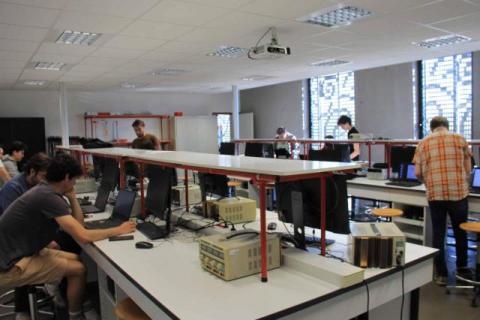
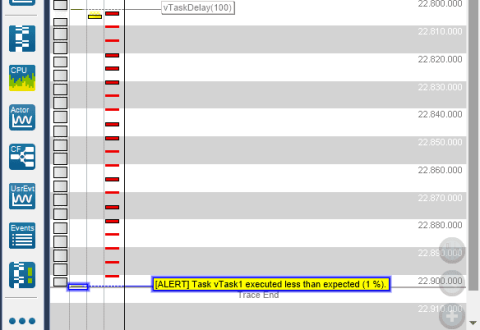
Guest blog by Florent Goutailler, Associate Professor, Télécom Saint-Etienne, France Teaching real-time embedded systems has always involved a fundamental challenge: the most critical behaviors – task scheduling, timing, and concurrency – are largely invisible at runtime. When students begin working with a real-time operating system such as FreeRTOS, they are introduced to concepts like scheduling, task prioritization, semaphores, and inter-task communication.

TraceExporter for VS Code

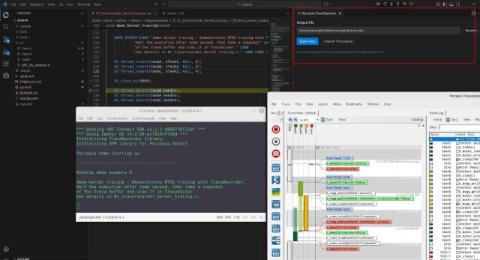
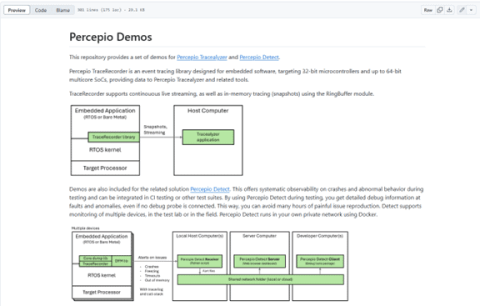
Percepio TraceExporter for VS Code makes it easy to export Percepio TraceRecorder snapshots during your debug session and open them directly in Percepio Tracealyzer. This is applicable for embedded systems based on Zephyr, FreeRTOS, SafeRTOS, Cesium, ThreadX or PX5, or using TraceRecorder’s “Bare Metal” option. The extension is currently provided in a Beta version as a downloadable.vsix file.

From Crashes to Clarity: What's New in Percepio Detect 2025.2

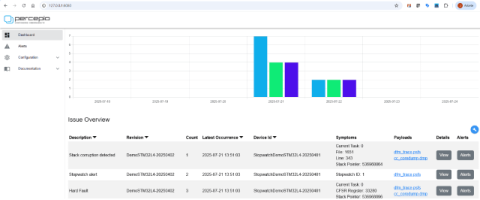
Think of Percepio Detect as a security camera for your firmware—always monitoring, but only storing data when something unusual happens, such as crashes or performance anomalies. By providing rich debugging information when needed while keeping the overall data volume to a minimum, Detect enables continuous observability over unlimited time, even on resource-constrained devices such as 32-bit microcontrollers.

Technical Blog: Remote Debugging for RTOS Firmware: How Continuous Observability Changes the Game

Debugging embedded software has never been easy, but today’s systems are more complex and interconnected than ever. Real-time operating systems (RTOS) and continuous integration pipelines can make development faster—but certain classes of bugs are hard to reproduce and diagnose. These elusive issues often appear only under rare conditions, such as timing-sensitive race conditions or field-only failures. This is where Continuous Observability, powered by Percepio Detect, changes the game.

Updated Guide: Using Tracealyzer with IAR Embedded Workbench for Arm

Using IAR Embedded Workbench for Arm with an IAR I-jet probe? Did you know this provides an excellent data channel for Tracealyzer trace streaming? We have just updated Percepio Application Note PA-023 with a simpler setup for trace streaming over ITM/SWO, enabled by improvements in IAR’s ITM logging support. This makes it easier than ever to combine IAR’s powerful debugging with Tracealyzer’s RTOS-level insight. Read the updated guide here.

Updated MPLAB X IDE Plugin

We’re happy to announce that our Trace Export Plugin for MPLAB X IDE has been updated to version 2.3.1 and now supports the latest versions of Microchip’s IDE, including MPLAB X v6.20 and v6.25. This plugin enables saving trace files from Percepio’s TraceRecorder library via the MPLAB X IDE debugger, making it easy to open the trace in Percepio Tracealyzer and related tools.

Naming your kernel objects

When using Percepio TraceRecorder, kernel objects like queues, semaphores and mutexes are named using their address by default. This can be a bit hard to follow for complex traces. However, it is quite easy to set more descriptive custom names for your RTOS kernel objects. This by calling the “SetName” functions (or macros) found in the TraceRecorder API, for example: The first argument is the pointer to the object (i.e. the object address).

Successful Launch - Then Came The Problems

About 15 years ago, I worked at a company building network security appliances (with ARM-based network processors) and was responsible for the development of custom Linux firmware. The product launch was successful; we shipped and managed a large fleet of devices in the field. After a few firmware releases, we received alerts from the device management system telling us that there were intermittent problems. Remoted into the appliances but could not reproduce the error.