Operations | Monitoring | ITSM | DevOps | Cloud

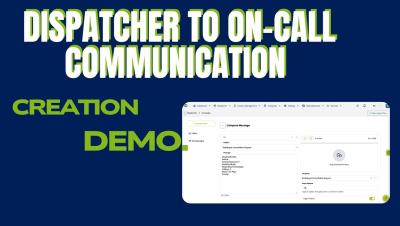
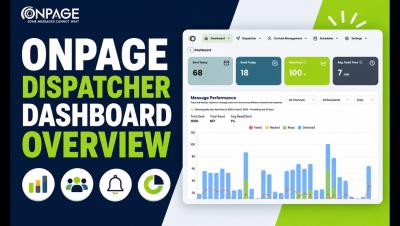
Sending HighPriority Messages from OnPage's Dispatcher

See how OnPage Dispatcher helps teams centralize and streamline time-sensitive communication. In this demo, a request is created in Dispatcher, routed to the appropriate on-call specialist, and tracked through acknowledgment and response. We also show how the communication is bi-directional, and responses can be seen within the dispatcher, with a complete audit trail.

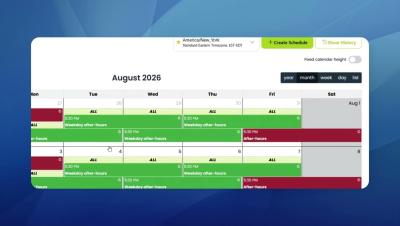
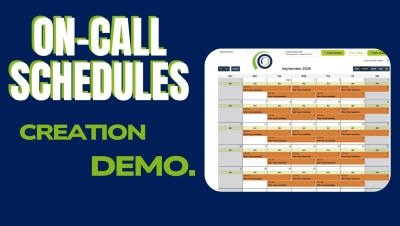
Creating an AfterHours OnCall Schedule

Learn how to create and configure an **on-call schedule in OnPage** with this step-by-step how-to guide. In this video, we walk through how to select a group, create a new schedule, assign on-call team members, set escalation priority, and configure coverage for specific days and times. Using OnPage’s on-call scheduling capabilities, teams can ensure the right responders are automatically available for critical alerts, incidents, messages or calls during designated coverage periods, including after-hours, weekends, and other shifts.

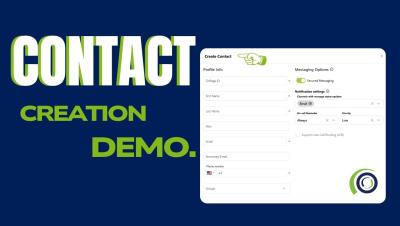
How to Create and Import Contacts in the NEW OnPage Web Console

A step-by-step guide for OnPage’s new web management console, including how to create a single contact and how to create multiple contacts at once by importing an Excel spreadsheet. Feel free to comment below with any questions! Whether you’re in IT or healthcare, OnPage helps teams manage critical alerting and communication to ensure urgent messages reach the right people at the right time. If you’re not yet using OnPage or want to see how it works, request a demo or speak with a member of our team to learn more.

Creating Escalation and Regular Groups in OnPage

Learn how to create and configure an Escalation Group in OnPage with this step-by-step how-to guide. This video walks through how to create an escalation group, a regular group, configure escalation intervals and factors, enable Round Robin, set failover OPIDs, and add a Fail Report email address. With escalation groups, OnPage can route critical alerts to team members in a predefined order and automatically move to the next responder when needed—helping ensure time-sensitive notifications don’t go unanswered.

Reduce duplicate alert noise with Alert Deduplication

A single incident can generate the same alert several times in quick succession. These duplicate alerts create unnecessary noise and alert fatigue, and make it harder for on-call teams to focus on the issue that needs their attention. OnPage Alert Deduplication reduces repeat notifications while preserving visibility into every incoming alert.