Operations | Monitoring | ITSM | DevOps | Cloud

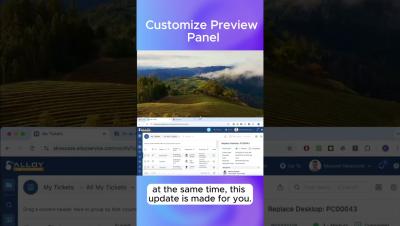
Preview Panel: Bottom or Side? #workspace #ultrawidemonitor

Maximize your workspace! Place the preview panel below your data views or on the right to make the most of your screen real estate, keeping your workflow smooth. Perfect for Service Desk agents and IT pros who want quick access to key information without extra scrolling, no matter the monitor size. Preview layouts and other powerful features are coming in the Fall 2025 release of Alloy Navigator.

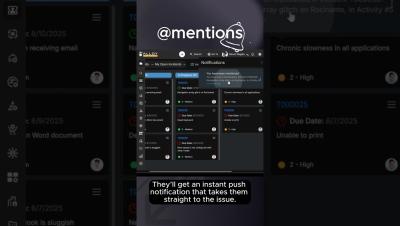
Quick Mentions in Tickets (and Beyond) #collaboration #mention

Make communication fast and simple! With the new @mentions in Alloy Navigator, you can bring the right teammate into a ticket—or anywhere else—without wasting time on CC emails or formal collaborator invites. Perfect for IT teams and help desks who want to speed up teamwork and keep everyone in the loop. @mentions and other great features are coming in the Fall 2025 release of Alloy Navigator. Stay tuned!

AI Assistant for Self-Service Portal #helpdesk #aiassistant

Take a load off your IT team! The new AI Assistant instantly understands user problems and pulls tailored solutions from past tickets and your knowledge base, so customers can resolve standard issues independently. In this video, we used gpt-4.1-mini for completion and text-embedding-3-large for generating embeddings. Perfect for IT teams and help desks looking to reduce repeat requests and give customers faster, more independent support.