


Operations | Monitoring | ITSM | DevOps | Cloud

How Do I Route Alerts by Location to the Right On-Call Team?

When your company has multiple offices or operational sites – whether that’s across the U.S. or around the world – getting alerts to the right team isn’t as easy as just checking who’s on duty. Events can come from a wide range of sources tied to different physical locations, time zones, or even separate departments, and not every alert is meant for every team. Let’s say your company has operations in New York, Dallas, and San Francisco.

When IT Alerts Go Bump in the Night: A Halloween Tale of IT Alerting with SIGNL4

As the witching hour approaches, your data center hums quietly – servers glowing like jack-o’-lanterns in the dark. Everything seems calm… until suddenly, your phone lights up with a chilling alert. CPU usage is spiking. Network latency is haunting your system. The ghost of downtime lurks nearby. Welcome to the spooky world of IT alerting – where nightmares come true if your team isn’t ready.

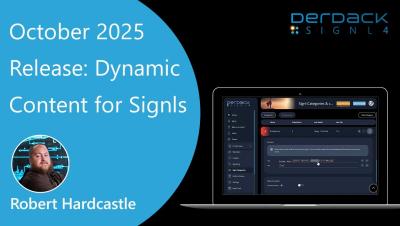
SIGNL4 October 2025 Release - Dynamic Content for Signls

Take your SIGNL4 alerts to the next level with Dynamic Content for Signls! This feature lets you automatically inject real-time data into your alerts - from incident details and ticket IDs to device statuses and system metrics. Deliver richer, more actionable notifications and help your team respond faster and smarter. Learn how to configure Dynamic Content for Signls See real-world use cases for IT, OT, and IoT operations Make your alerts meaningful and context-aware.