Operations | Monitoring | ITSM | DevOps | Cloud

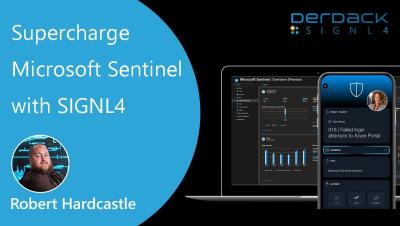
Supercharge Microsoft Sentinel with SIGNL4 | Mobile Alerts & On-Call Automation

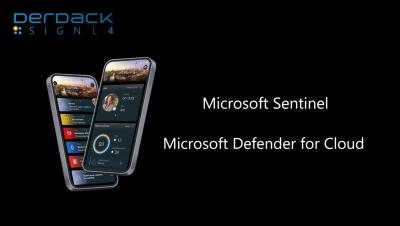
Are your Microsoft Sentinel alerts stuck in dashboards or buried in emails? It's time to take your SecOps mobile. In this video, discover how SIGNL4 transforms Microsoft Sentinel and Microsoft Defender for Cloud into a fully mobile, on-call incident response platform. SIGNL4 delivers persistent mobile alerts to the right person - instantly - with full escalation, tracking, and acknowledgement. Improve incident response time Eliminate missed alerts Automate on-call scheduling Ensure SLA compliance Reduce alert fatigue.
Enhanced Messaging with RCS in SIGNL4

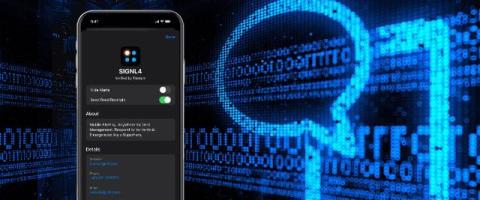
Rich Communication Services (RCS) is an advanced messaging protocol designed to replace traditional SMS. Supported by most modern Android smartphones and, starting with iOS 18, also iPhones, RCS offers a significantly richer messaging experience. It brings features like: RCS elevates the way organizations communicate with users by aligning with the capabilities expected from today’s messaging platforms.

How to Integrate SIGNL4 with Microsoft Sentinel | Step-by-Step Setup Guide

Take your incident response to the next level by integrating SIGNL4 with Microsoft Sentinel. In this step-by-step tutorial, we’ll show you how to connect SIGNL4 to your Sentinel environment to ensure real-time mobile alerting, on-call escalation, and faster response times for critical security events.

How to Convert Email to Push Notifications

Email alerts alone often aren’t enough when you’re responsible for critical systems or infrastructure. Messages can easily be buried in inbox clutter – or worse, completely missed during off-hours. If you’re managing IT operations, DevOps, or facility monitoring, timely awareness of issues is crucial – but email just doesn’t cut it. SIGNL4 provides email-to-push-notification capabilities, helping teams stay connected to urgent events – wherever they are.