Operations | Monitoring | ITSM | DevOps | Cloud

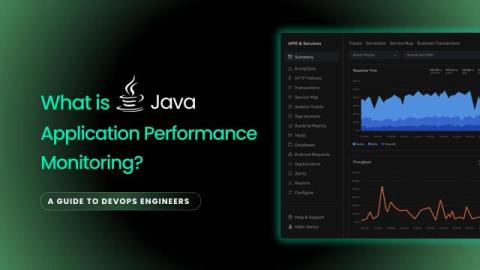
What is Java Performance Monitoring? [A Guide to DevOps Engineers]

You rolled out a Java application that worked fine in development. Fast, clean, no errors. However, once it went into production, things began to change. Suddenly, the app feels slow. CPU usage climbs without warning. Some users start getting timeouts. You check the dashboards, but nothing jumps out. You look through the logs, but it's mostly noise. And then the questions start coming in - "Is the JVM the problem?" If you've been in that situation, you're not alone.
Why Your Business Needs APM: 10 Key Benefits You Shouldn't Ignore

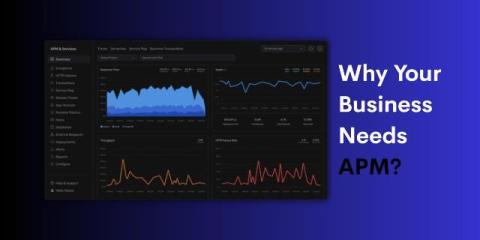
In today’s digital world, how well your applications perform has a big impact on how people see your business, and how well it runs. Whether you are in finance, e-commerce, SaaS, healthcare, or media, your users expect everything to work smoothly, all the time. Even a few seconds of slow performance can lead to lost sales, lower productivity, and unhappy customers. That’s why Application Performance Monitoring (APM) is so important.

What is Python Application Performance Monitoring? - [A Complete Guide]

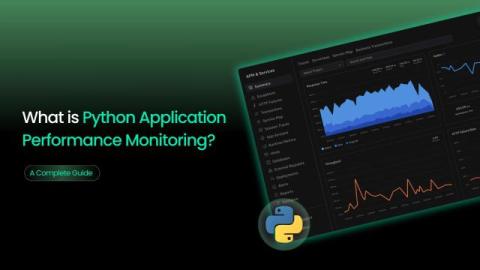
A recent study looked at real-world Python programs and found something important: Python isn’t the main reason apps slow down. The real problems come from inside the code like poor logic, memory issues, and slow database queries. The problem is, these issues often go unnoticed. Your app may seem fine until users start complaining about slowness or things start breaking under pressure.

The Hidden Cost of Not Using APM in Production

Many organizations don’t realize how important it is to monitor how their applications run in production. Without Application Performance Monitoring (APM), it becomes difficult to detect and resolve issues quickly, leading to increased downtime, wasted developer effort, and poor user experience. These hidden costs, though not always visible at first, can impact customer satisfaction, reduce team efficiency, and result in lost revenue.

Golang Application Performance Monitoring: A Comprehensive Guide

Application Performance Monitoring (APM) refers to the practice of tracking, analyzing, and optimizing the performance and availability of software applications. When it comes to Go (Golang), a language known for its concurrency, speed, and efficiency, APM becomes crucial to ensure that your applications stay fast, reliable, and scalable under real-world loads. APM in Go involves monitoring the runtime behavior, request response times, system resource usage, and error patterns across your application.

How APM Can Improve Your Digital Customer Experience?

When a customer taps a button, submits a form or waits for a page to load, they’re not thinking about your backend architecture, microservices, or CDN; they want it to work instantly. But when it doesn’t, the frustration is immediate. Maybe the app freezes. Maybe a checkout fails. Maybe the entire experience just feels laggy. And the worst part? They don't complain, they just leave the application.

Atatus APM: Full-Stack Visibility for Modern Engineering Teams 2025

APM stands for Application Performance Monitoring or Application Performance Management. It helps engineering teams track key metrics, detect slowdowns, and improve the overall performance of their applications. With Atatus APM, you get complete visibility into your application, from backend code and databases to external services and frontend performance.

Why APM Is Essential for Microservices Architecture?

According to Statista, over 85% of large enterprises and nearly 50% of small to midsize businesses will have adopted microservices as part of their software architecture. The shift is clear: organizations of all sizes are moving away from monolithic applications toward microservices to accelerate development cycles, improve scalability, and support continuous delivery. But this architectural freedom comes with a hidden cost, which increases operational complexity.

Application Performance Monitoring (APM) Use Cases Every DevOps Team Should Know

Modern applications are built using distributed architectures, microservices, and cloud-native technologies. As these systems grow in complexity, it becomes harder for DevOps teams to maintain performance, track issues, and ensure a consistent user experience across all environments. Application Performance Monitoring (APM) helps solve these challenges by providing real-time visibility into how applications behave, from user interactions to backend services and infrastructure.

Choosing the Right APM Software: 5 Key Factors to Consider

When applications slow down, users leave, and engineering teams scramble. Whether you're troubleshooting a spike in response times or chasing down intermittent backend failures, Application Performance Monitoring (APM) provides the visibility you need to detect, diagnose, and resolve performance issues before they impact your users or business goals. For engineers, APM isn’t just a convenience - it’s essential. But not all APM tools are created equal.

The Complete Guide to APM Best Practices for Developers, DevOps & SREs

Application Performance Monitoring (APM) is no longer optional, it is essential for delivering fast, reliable, and seamless digital experiences. But simply installing an APM tool isn’t enough. To truly know its potential, IT teams need to follow APM best practices. Best practices for APM refer to the most effective ways to monitor, analyze, and optimize your application’s performance using APM tools.

PHP Monitoring Best Practices for Developers, DevOps, and SREs

In 2025, PHP still powers over 75% of the web from ecommerce platforms like Magento to CMSs like WordPress and Laravel-powered web apps. As user expectations rise and digital experiences become mission-critical, real-time PHP monitoring has moved from a luxury to a necessity. According to Statista, PHP continues to rank in the top 10 most-used programming languages globally. Despite the popularity of modern stacks, legacy and modern PHP coexist in thousands of production environments.