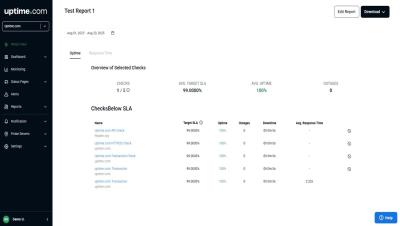
Learn how to create an SLA report on Uptime.com to track uptime and performance. This guide walks you through configuring the report and selecting the right checks and date range. Get detailed metrics on uptime and response times, helping you meet service goals and client expectations with ease. Scheduled SLA reports in Uptime.com let you automatically send PDF or XLS reports to up to 100 recipients, including both Uptime.com users and external email addresses. You can schedule reports for daily, weekly, monthly, quarterly, or yearly delivery.