
Operations | Monitoring | ITSM | DevOps | Cloud

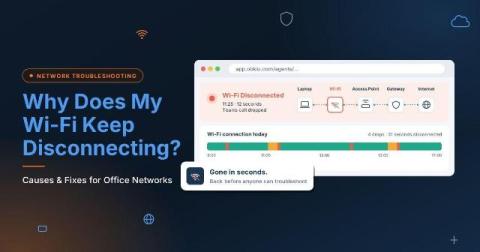
Why Does My Wi-Fi Keep Disconnecting? Causes and Fixes for Office Networks

"The Wi-Fi keeps dropping" is one of the most common tickets IT teams get, and one of the hardest to close. A laptop drops off the network in the middle of a Teams call and rejoins a few seconds later. By the time anyone looks, the signal is full, and there's nothing left to troubleshoot. Office Wi-Fi is harder to troubleshoot than Wi-Fi at home. There are several access points instead of one, and dozens of clients compete for airtime on each.

What Is Bufferbloat? Why Your Internet Slows Down When Someone Uploads

Your speed test says 500 Mbps. The Internet connection is up, the firewall shows no errors, and yet most afternoons the Microsoft Teams calls on one floor break up for twenty minutes. Then it stops, and nobody can reproduce it. That pattern usually isn't a bandwidth problem. It's a queue problem. When a cloud backup, a OneDrive sync or a large file upload fills the upload link, the device at the bottleneck starts holding packets in a buffer that's far too large.

ISP Congestion: How to Tell Your ISP Is the Problem

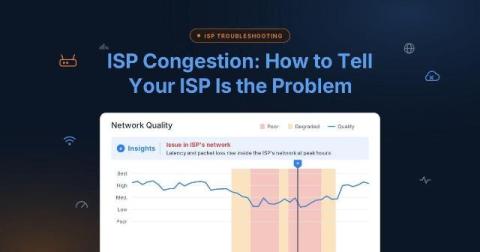
Your Internet circuit isn't anywhere near full, and your firewall looks healthy. Yet pages crawl, file uploads stall, and Microsoft Teams calls break up, often at the same times of day. You call your provider and hear the usual answer: everything looks fine on our end. Sometimes that's true. Often it isn't. Your ISP's network is shared, and when a node, backbone link or peering point runs out of capacity, every customer behind it slows down.

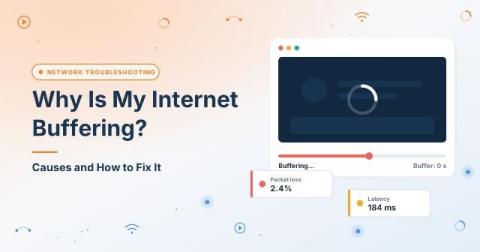
Why Is My Internet Buffering? Causes and How to Fix It

A remote employee opens a ticket with IT because the training video won't play without stalling, but "the Internet works fine." Meanwhile, the company webinar freezes for half the viewers at head office and plays perfectly for the rest. Internet buffering is a symptom, not a cause. It means the network didn't deliver data fast enough, for long enough, to keep the player ahead of playback.

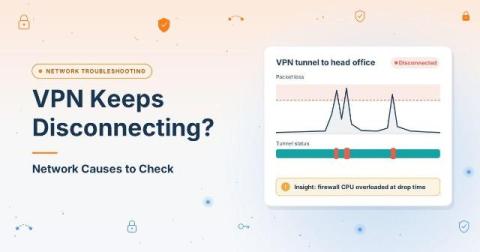
Why Your VPN Keeps Disconnecting: 7 Network Causes to Check

"The VPN dropped again" is one of the hardest tickets to close. The user reconnects, everything works, and by the time you look, there's nothing to see. Then it happens again the next morning, or to three people at once, or every time the branch office runs its backups. The VPN client is usually not the cause. It's the first thing to notice when packets go missing.

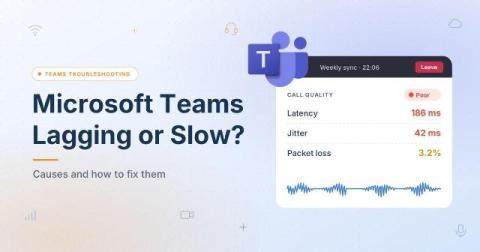
Microsoft Teams Lagging or Slow? Causes and How to Fix It

"Microsoft Teams is slow" can mean very different things: a call where audio turns robotic, chat messages that show up seconds late, or an app that takes forever to open. Each one has a different cause, and restarting Teams or clearing the cache only fixes some of them. This article helps you narrow down which one you're dealing with, whether it's your network, your device or Microsoft, and fix it.

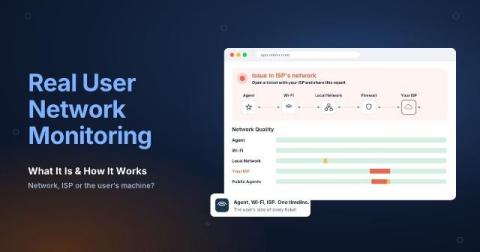
Real User Network Monitoring (RUM): What It Is and How It Works

So let’s say that a user opens a ticket: Teams keeps freezing, uploads crawl, "the Internet is slow." You check your network monitoring tool, but see that every test is green. The firewall looks fine, the ISP link is clean, the SaaS vendor reports no incident. The problem is still real. It's just happening where your tools can't see: on the user's laptop, on their Wi-Fi, or on the short stretch between their machine and the local gateway. Most network monitoring watches the infrastructure.

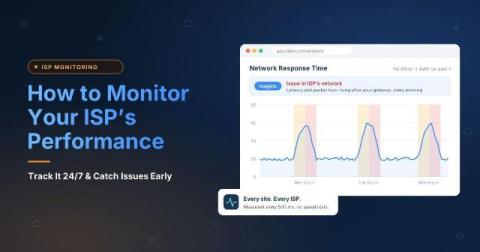
How to Monitor Your ISP's Performance: A Step-by-Step Guide for IT Teams

Most ISP problems don't show up as low speed. They show up as calls that break up every afternoon, a cloud app that times out at one branch, or a connection that drops for 30 seconds and recovers before anyone can test it. By the time someone runs a speed test, the results look fine, and ISP support asks for evidence you don't have. Continuous monitoring solves this by measuring all the time, so the data is already there when something goes wrong.

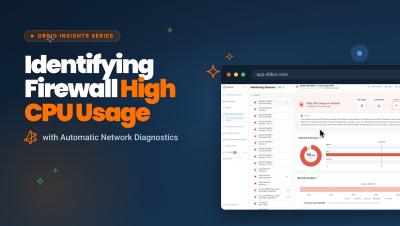
How to Identify High CPU Usage on Your Firewall with Obkio Insights

When users complain about packet loss, it's easy to blame the ISP. But sometimes the problem is closer to home. In this video, we show how Obkio Insights automatically identified high CPU usage on a firewall as the root cause of packet loss between a branch office and a data center. In just a few clicks, you'll see: Obkio Insights turns your network monitoring data into clear, automatic diagnostics, so you can go from "something's wrong" to "here's what to fix" without digging through graphs.

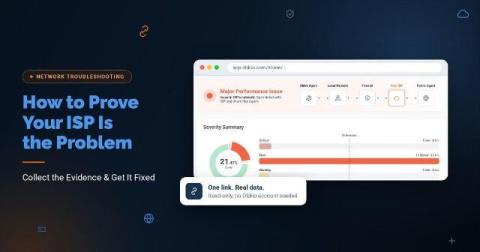
How to Prove Your ISP Is the Problem (With Data)

You call your ISP because calls keep dropping and the Internet crawls every afternoon. Support asks you to restart the modem. Then they test the line from their side, see nothing wrong, and tell you everything looks fine on their end. By the time a technician shows up, the problem is gone, and the ticket gets closed. The issue usually isn't that your ISP doesn't care. First-line support is trained to rule out the customer's network first, and most complaints arrive with nothing they can check.