
AI Studios Are Here: What Veo 3 Means for Indie Creators

AI Is the New Studio. And It Talks Back.
Google’s Veo 3 showed up in May 2025 and honestly it’s wild. You type a few lines and boom it spits out a full video. We’re talking movie-style stuff with synced voices ambient sounds background music and even lip movements that match the words.
You used to need a team and fancy gear. Now you just need an idea and a keyboard.
And this isn’t just motion or scenery. Veo 3 gives you the whole package. The tone of the voice matches the mood. The background sounds feel real. It sounds like someone actually made it on set.
So what’s the catch?
Deepfakes and Doubts
It’s super easy to make stuff that feels real. Maybe too easy. People are already wondering... is this going to mess with what’s real or fake? What about consent? What if someone fakes a person saying something they never did?
Big power brings weird choices. Time will tell how we handle it.
One Prompt - One Scene
Veo 3 changes more than how we make video. It changes what kind of stories we can tell.
Old AI tools like Pika or Runway made video but if you wanted voices that matched lips you had to stitch in stuff from ElevenLabs or Descript. Not anymore.
With Veo 3 you can type this:
A cowboy stands alone. He looks into the camera and says “This town’s not big enough for the both of us.”
And the tool makes it. Voice face background music camera angles. All at once.
What does this mean?
-
YouTubers can make whole stories without actors
-
Teachers can build life-like explainers
-
Businesses can mock up promo videos in a few clicks
Veo 3 Does a Lot. But You’ll Pay for It.
$249.99 a Month. Worth It?
That price lands you on the Google AI Ultra plan. You get 12,000 credits. Each 8-second clip costs 150 credits so that’s about 80 clips a month. Do the math and it’s $3.12 a video.
Is that too much? Depends on your needs. Other tools can cost less but Veo 3 does everything in one go. No extra syncing no juggling audio tools. Of course, sometimes you'll have to do re-runs because not every output will be perfect even with this advanced tool.
So will indie creators choose to pay a premium?
Got money but not time? This one’s for you. Veo 3 makes things faster. You skip editing headaches.
Good with tech? Maybe look elsewhere.
WAN 2.1 Might Be the Underdog You Need
Let’s say you don’t want to drop cash you don’t have.
WAN 2.1 is out there now. It doesn’t come with the all-in-one polish Veo 3 has but it gives you freedom.
Becaue you can run it locally or on cheap GPU rentals like RunPod.
You can later lip-sync your audio by pairing it with:
-
LatentSync (free).
-
Kling (paid).
Sure it’s more steps but you’re not locked into one vendor and you’re not waiting for access. You’re in control.
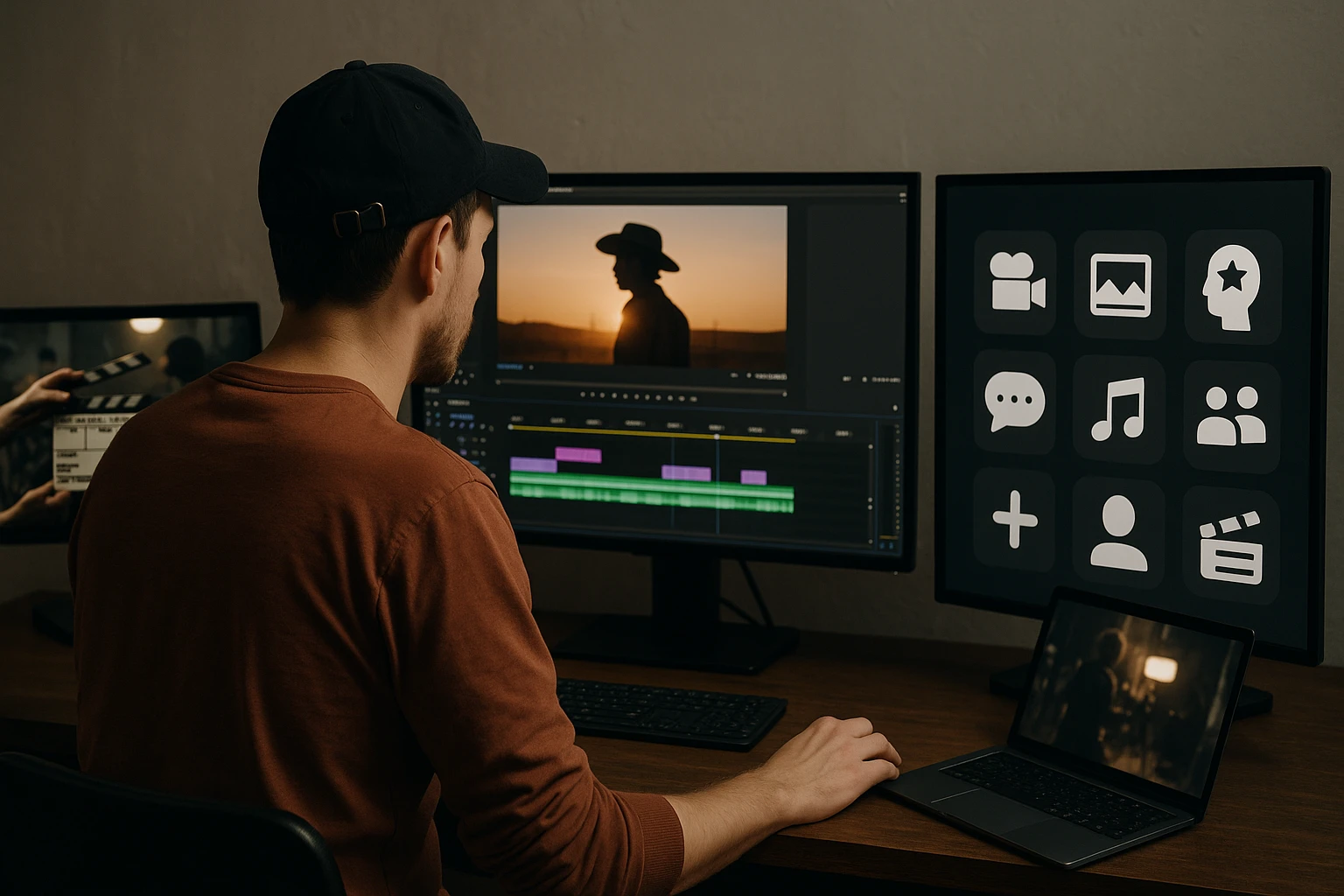
No Studio, No Problem
Veo 3 proves AI can do more than help out. It can make the whole thing. But power without price info means some folks might get left out.
So what do you do?
You weigh your options. You try the tools. You see what fits.
WAN 2.1 plus a few extras can get close to Veo 3 results if you don’t mind getting your hands dirty. And platforms like aicreators.tools help with that. They put videos side by side and let you see for yourself.
It’s not about hype. It’s about what works for your project.
AI’s taking over a lot of the heavy lifting in content making. But creators still pick the tool they trust.
And guess what? You don’t need a studio budget to make something great.